
Free FDA drug approvals scraper – Export Data to CSV, Excel & JSON
Scrape drug approval records from FDA drug approvals listing pages, with results saved to your Clura account and exportable as CSV or JSON.
Run this templatePricing
Pay once, scrape forever
$29.99 one-time
Unlimited rows & unlimited scrapes
- All Free plan features, plus:
- Unlimited rows per scrape
- Unlimited scrapes per day
- 14-day cloud storage
- Priority support
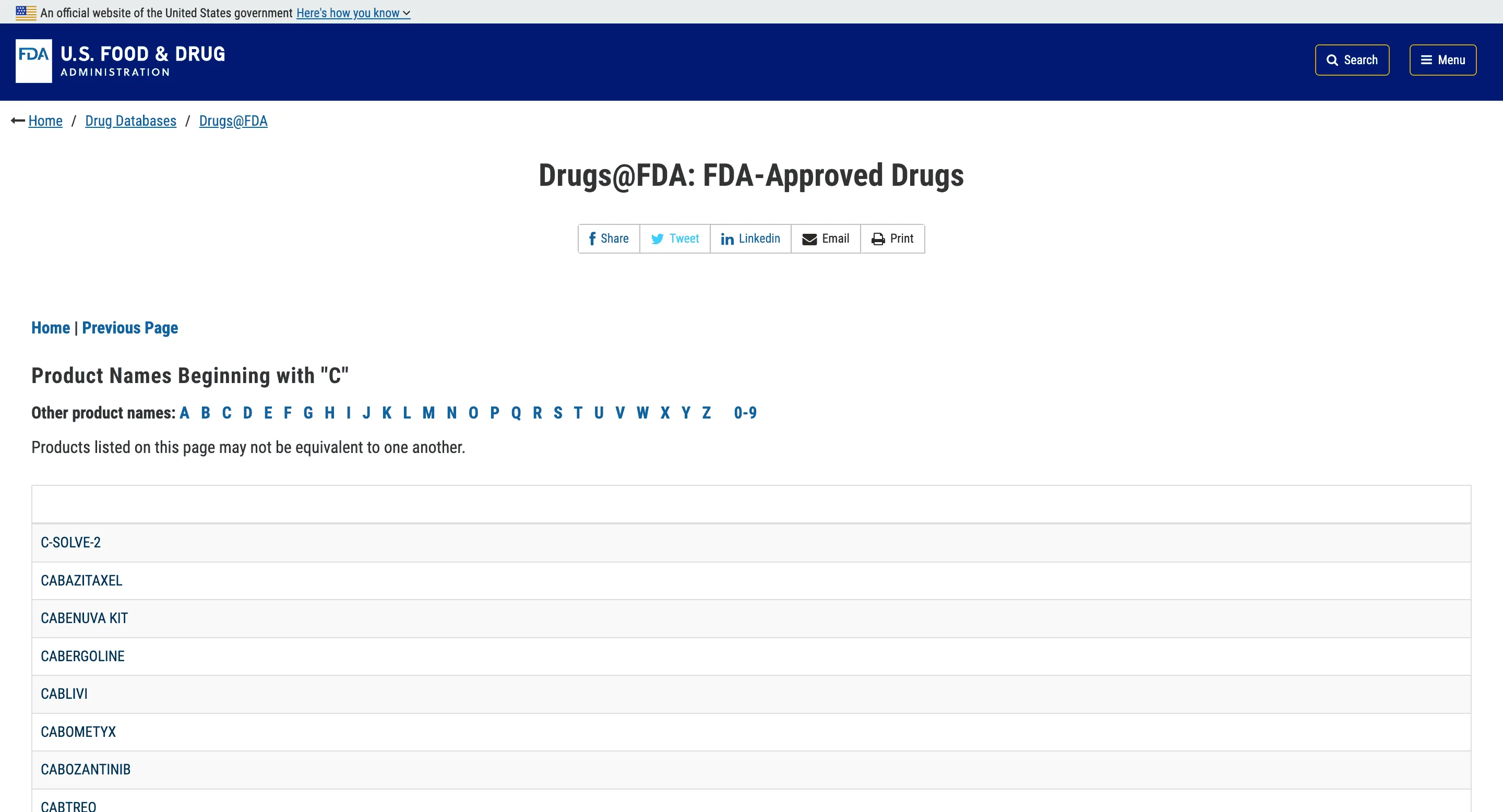
Clura’s Chrome extension includes an FDA Drug Approvals Scraper template that extracts structured approval data from the currently open drug approval listing and search result pages on the U.S. Food and Drug Administration website.
This template is built for biotech analysts, pharma companies, investors, researchers, and healthcare data teams who monitor new drug approvals, regulatory decisions, and therapeutic trends. After you navigate to an FDA drug approvals page (such as CDER new drug approvals by year or search results filtered by drug name, sponsor, or approval date), the scraper reads the approval table or listing cards displayed on the page.
You can review and customize which fields are extracted, confirm pagination if approvals span multiple pages, and add additional custom fields if required. Once run, the scraper collects approval data across pages, saves everything to your Clura account, and allows export as CSV or JSON for pipeline tracking, competitive intelligence, or research.
Relevant For
Biotech & Pharma Companies
Track competitor approvals and therapeutic area expansion.
Healthcare & Life Sciences Investors
Monitor newly approved drugs for investment research and portfolio decisions.
Clinical & Regulatory Analysts
Build structured datasets of approvals for regulatory trend analysis.
Healthcare Data & Research Teams
Analyze approval timelines, drug categories, and sponsor activity.
How to Use
- 1
Open an FDA drug approvals page
Go to the FDA website and navigate to a drug approvals listing page. Apply filters such as year, drug name, or sponsor if available.
- 2
Open the Clura extension
Click the Clura Chrome extension icon. Available scraper templates will be displayed.
- 3
Configure the scraper
Select the FDA Drug Approvals Scraper template.Review and confirm:
- 4
Run, save, and export
Run the scraper. Extracted approval data is saved to your Clura account.Once complete, export the results as CSV or JSON for further analysis.
Fields Scraped
| Field | Type |
|---|---|
| Title | Text |
| Generic Name | Text |
| Application Number | Number |
| Application Type | Text |
| Dosage Form | Text |
| Manufacturer | Text |
Export Formats
Example Output
| Drug Name | Manufacturer | Approval Date | Indication | Approval Url |
|---|---|---|---|---|
| Zepatol | PharmaCorp | 2026-02-15 | Epilepsy | https://fda.gov/drugs/zepatol |
| CardioRelief | HealthLabs | 2026-01-28 | Hypertension | https://fda.gov/drugs/cardiorelief |
Frequently Asked Questions
What FDA drug approval data can be extracted?
You can extract drug names, approval dates, manufacturers, approval types, and drug approval URLs.
Can this scraper track newly approved drugs?
Yes, it helps monitor newly approved medications and regulatory decisions.
Can the data be exported?
Yes, FDA approval data can be exported to CSV or Excel.
Related Scrapers
Free Patent office scraper – Export Data to CSV, Excel & JSON
Extract patent records and filings for legal and IP research.
Free Pubmed articles scraper – Export Data to CSV, Excel & JSON
Fetch research papers, abstracts, and DOIs for academic use.
Free Clinicaltrials.gov trials scraper – Export Data to CSV, Excel & JSON
Fetch research papers, abstracts, and DOIs for academic use.