
Free Skyscanner flights scraper – Export Data to CSV, Excel & JSON
Extract structured data from this source quickly and efficiently.
Run this templatePricing
Pay once, scrape forever
$29.99 one-time
Unlimited rows & unlimited scrapes
- All Free plan features, plus:
- Unlimited rows per scrape
- Unlimited scrapes per day
- 14-day cloud storage
- Priority support
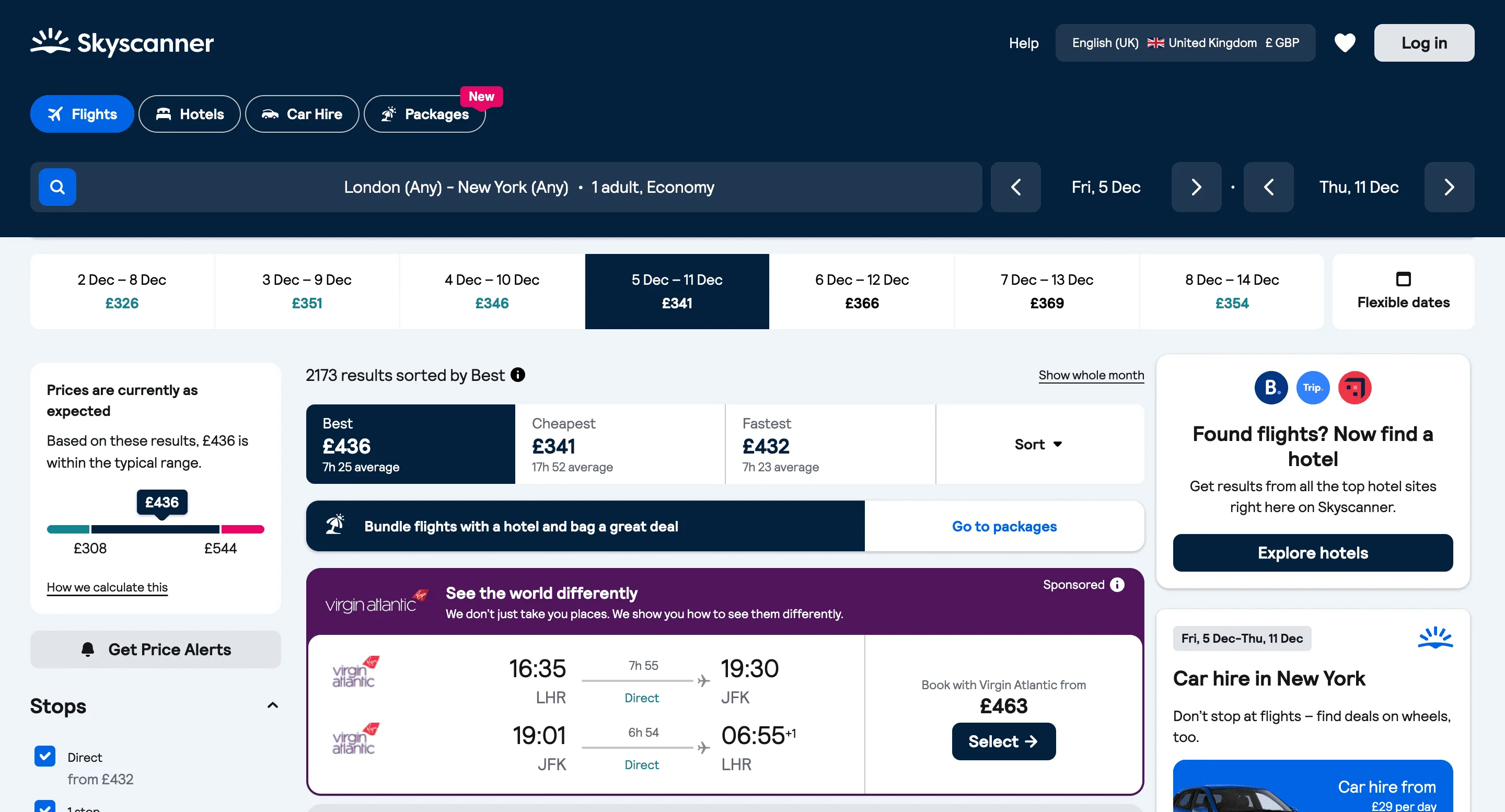
Extract structured data relevant to this source with detailed fields and filters. Ideal for analysts and teams needing reliable, repeatable data extraction for research and automation.
Relevant For
How to Use
- 1
Set search scope
Define the pages or topics to collect content from.
- 2
Choose fields
Pick title, description, URL and any metadata to extract.
- 3
Run & review
Run the scraper and validate output quality.
- 4
Export & use
Export for analysis, archiving or content reuse.
Fields Scraped
| Field | Type |
|---|---|
| Title | Text |
| Description | Text |
| Website | URL |
| Location | Text |
| Rating | Number |
| Review Count | Number |
Export Formats
Example Output
| Route | Airline | Departure | Arrival | Price | Booking Url |
|---|---|---|---|---|---|
| NYC → London | British Airways | 09:10 | 21:30 | $620 | https://skyscanner.com/flight/123 |
| San Francisco → Tokyo | ANA | 11:20 | 15:45 | $880 | https://skyscanner.com/flight/456 |
Frequently Asked Questions
What flight data can be extracted from Skyscanner?
You can extract flight routes, airlines, departure and arrival times, ticket prices, and booking URLs.
Can this scraper compare flight prices?
Yes, it collects multiple airline listings so you can compare ticket prices across flights.
Can the results be exported?
Yes, the extracted flight data can be exported to CSV, Excel, or JSON.
Related Scrapers
Free Booking.com hotels scraper – Export Data to CSV, Excel & JSON
Gather local business data with addresses, contacts, and ratings.
Free Expedia hotels & flights scraper – Export Data to CSV, Excel & JSON
Gather local business data with addresses, contacts, and ratings.
Free Kayak travel listings scraper – Export Data to CSV, Excel & JSON
Extract structured data from this source quickly and efficiently.