
Free Substack newsletters scraper – Export Data to CSV, Excel & JSON
Collect posts, likes, and engagement from social platforms.
Run this templatePricing
Pay once, scrape forever
$29.99 one-time
Unlimited rows & unlimited scrapes
- All Free plan features, plus:
- Unlimited rows per scrape
- Unlimited scrapes per day
- 14-day cloud storage
- Priority support
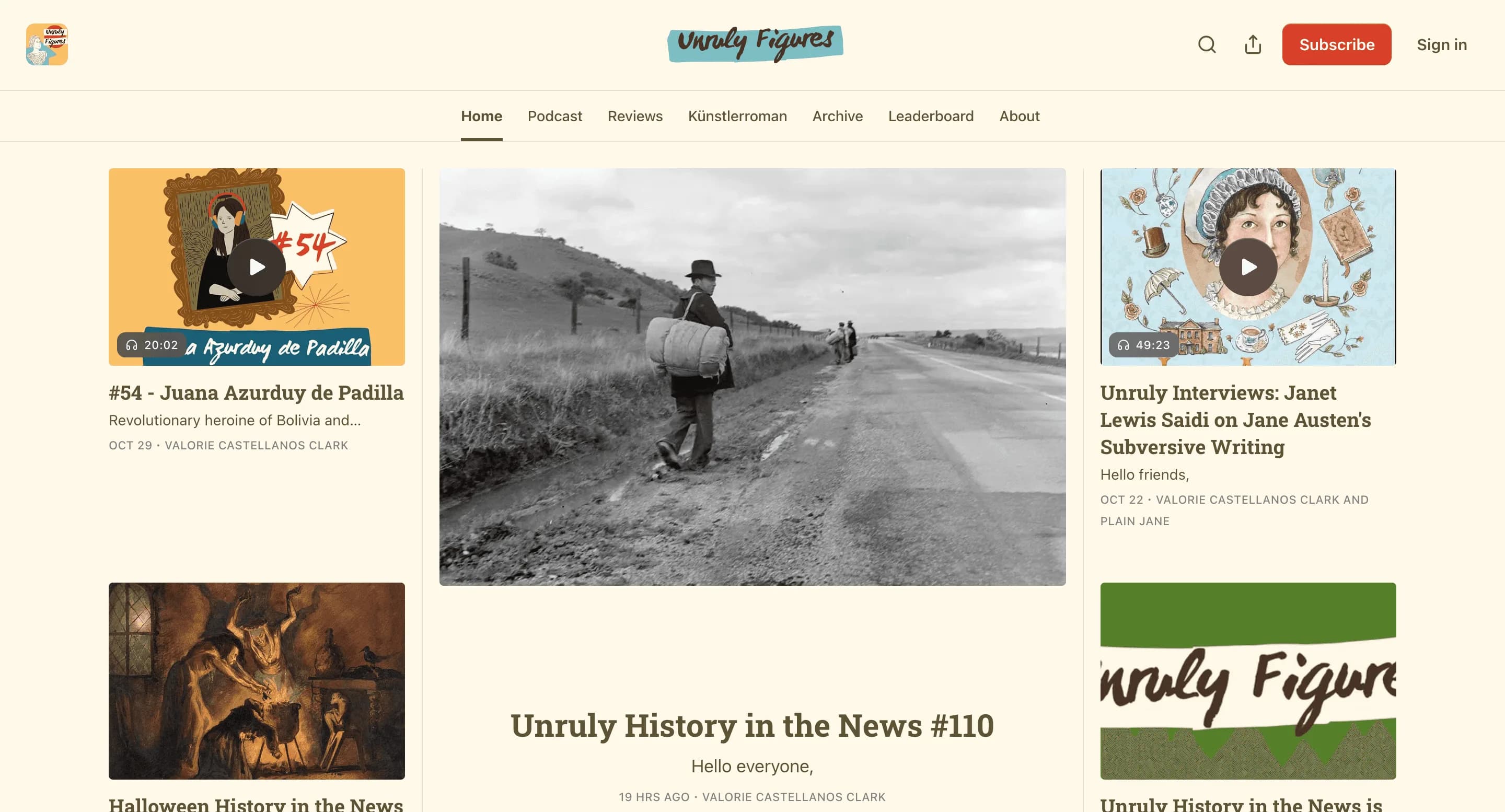
Collect posts, comments, likes, shares and engagement metrics from social platforms to monitor trends, influencers and campaign performance. Outputs structured datasets ready for social listening and content analysis.
Relevant For
How to Use
- 1
Define search scope
Choose hashtags, profiles, or subreddits and set date ranges for collection.
- 2
Select post fields
Choose content, author, date, likes, comments and tags to scrape.
- 3
Run & moderate
Run the scraper and filter out spam; sample results for relevancy.
- 4
Export & analyze
Export for trend analysis, social listening, or campaign optimization.
Fields Scraped
| Field | Type |
|---|---|
| Post Content | Text |
| Post Date | Date |
| Comments Count | Number |
| Likes Count | Number |
| Shares Count | Number |
| Tags | Text |
| Followers Count | Number |
| Profile Bio | URL |
| Website | URL |
| Location | Text |
| Description | Text |
| Rating | Number |
| Review Count | Number |
Export Formats
Example Output
| Newsletter | Author | Subscribers | Category | Newsletter Url |
|---|---|---|---|---|
| The AI Dispatch | Ben Thompson | 120K | Technology | https://substack.com/ai-dispatch |
| Startup Weekly | Laura Smith | 85K | Startups | https://substack.com/startup-weekly |
Frequently Asked Questions
What Substack data can be extracted?
You can collect newsletter titles, authors, subscriber counts, descriptions, and URLs.
Can this scraper analyze newsletter trends?
Yes, it helps identify popular newsletters and topics.
Can the data be exported?
Yes, newsletter data can be exported to CSV or Excel.
Related Scrapers
Free Medium articles scraper – Export Data to CSV, Excel & JSON
Collect posts, likes, and engagement from social platforms.
Free Quora Q&A scraper – Export Data to CSV, Excel & JSON
Collect posts, likes, and engagement from social platforms.
Free Stack overflow questions scraper – Export Data to CSV, Excel & JSON
Collect posts, likes, and engagement from social platforms.