
Top 12 Free Web Scraping Tools to Automate Your Work in 2026
Clura Team
Imagine effortlessly pulling pricing data from competitor sites, building targeted lead lists in minutes, or tracking industry trends from any website — all without writing a single line of code. The best free web scraping tools make this a reality, turning hours of manual copy-paste into a simple, one-click task. Whether you are in sales, marketing, e-commerce, or research, there is a tool on this list that fits your exact workflow.
This guide cuts through the noise to bring you the 12 best free tools available in 2026, comparing everything from no-code visual scrapers to developer-focused libraries. For each tool, you will find a clear breakdown of key features, free plan limits, and the best use cases. See also our deep-dive on Chrome extension scrapers for a focused look at browser-based options.
The Fastest Free Web Scraping Tool for Business Teams
Clura's AI-powered Chrome extension comes with pre-built templates for LinkedIn, Amazon, Crunchbase, and more. Get 300 rows per month completely free — no credit card required.
Add to Chrome — Free →The Top 12 Free Web Scraping Tools
The best free web scraping tools include no-code browser extensions like Clura and Web Scraper for business users, desktop apps like Octoparse and ParseHub for visual workflows, and developer frameworks like Scrapy and Playwright for maximum power and control.
1. Clura
Clura stands out as a powerful no-code solution that turns complex web scraping into a one-click action. As an AI-powered Chrome extension designed for sales, recruiting, and e-commerce teams, it excels at turning public web pages into neatly organized CSV files instantly. Pre-built templates and AI agents make it the fastest starting point among all free web scraping tools.
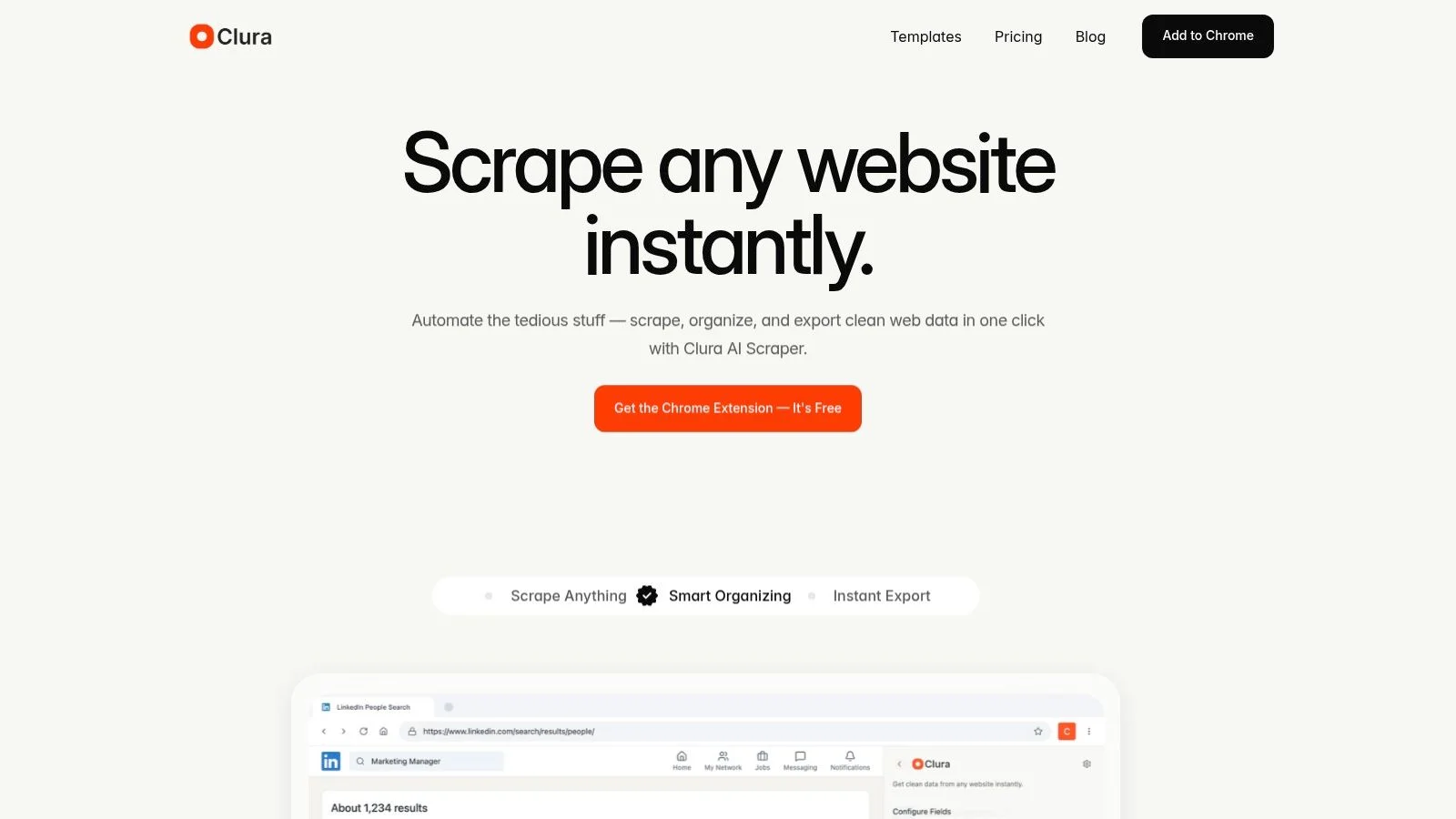
Free Plan: 300 rows per month. Grow plan from $15/month.
2. Web Scraper (webscraper.io)
Web Scraper is a user-friendly browser extension for Chrome and Edge with a point-and-click sitemap builder. Its free local extension handles pagination and exports to CSV, XLSX, and JSON. Best for non-technical users learning the basics of web scraping. Cloud plans add scheduling and parallel jobs from $50/month.
3. Octoparse
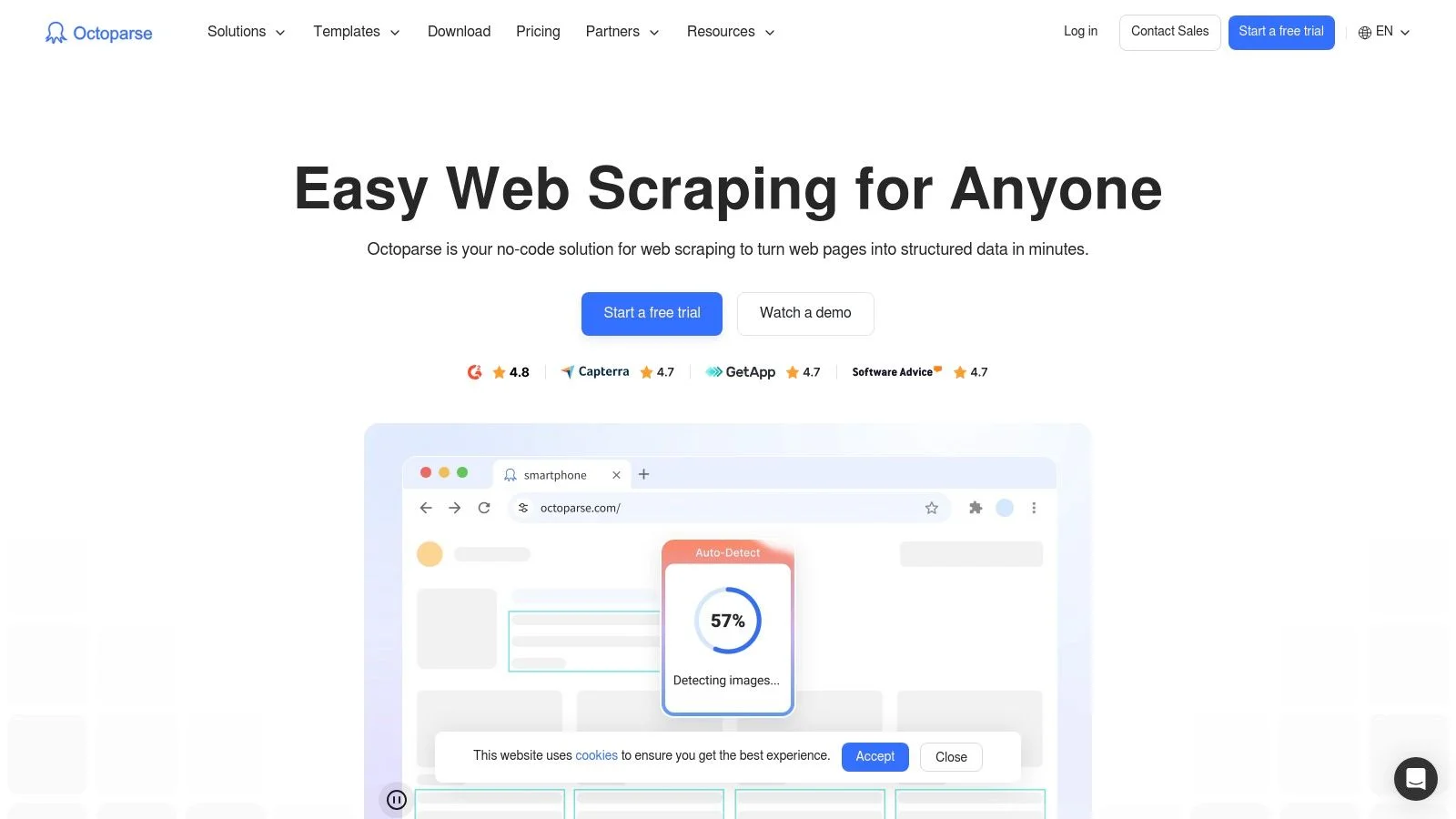
Octoparse offers a powerful desktop app with a visual workflow builder and a large template library for sites like Amazon, Yelp, and Twitter. The free tier supports unlimited local tasks and up to 10,000 records per export. Paid cloud plans add scheduling and IP rotation.
4. ParseHub
ParseHub excels at dynamic, JavaScript-heavy, and interactive sites. Its free plan supports up to 5 projects and 200 pages per run. This is the best free option for modern websites that use AJAX, pop-ups, or infinite scroll without any coding.
5. Apify
Apify is a developer-friendly platform with a marketplace of pre-built Actors for everything from social media scraping to real estate listings. The free plan provides $5 in monthly platform credits. Requires JavaScript knowledge for custom work.
6. Instant Data Scraper
Instant Data Scraper is 100% free with no premium version. It auto-detects tables and lists on any page and exports to CSV or XLSX with a single click. Perfect for quick, ad-hoc extractions with zero setup. Not designed for complex sites or scheduled scraping.
Want Results Without the Learning Curve?
Clura combines the simplicity of Instant Data Scraper with the power of pre-built AI templates. Start scraping LinkedIn, Amazon, or any website for free today.
Add to Chrome — Free →7. Data Miner
Data Miner has an extensive public recipe library covering thousands of popular websites. The free tier allows scraping up to 500 pages per month and exports to CSV and XLSX. A great plug-and-play option for light, recurring scraping tasks.
8. Simplescraper
Simplescraper turns scraping recipes into live API endpoints, making it integration-friendly for connecting scraped data to Google Sheets, Airtable, or Zapier. Free introductory credits available; credit-based billing for cloud scraping.
9. Scrapy
Scrapy is the gold-standard open-source Python framework for building production-grade web crawlers. Completely free under a BSD license. Requires strong Python skills and self-managed infrastructure, but delivers unmatched performance for large-scale projects.
10. Beautiful Soup
Beautiful Soup is a free, open-source Python library for parsing HTML and XML. Combined with the Requests library, it is the most popular stack for custom Python scrapers. Best for developers building lightweight scripts for static web pages.
11. Playwright
Playwright, backed by Microsoft, is a free open-source library for automating Chromium, Firefox, and WebKit. Its auto-waiting features and built-in inspector make it the most developer-friendly tool for scraping JavaScript-heavy SPAs. Supports Python, Node.js, Java, and .NET.
12. Selenium
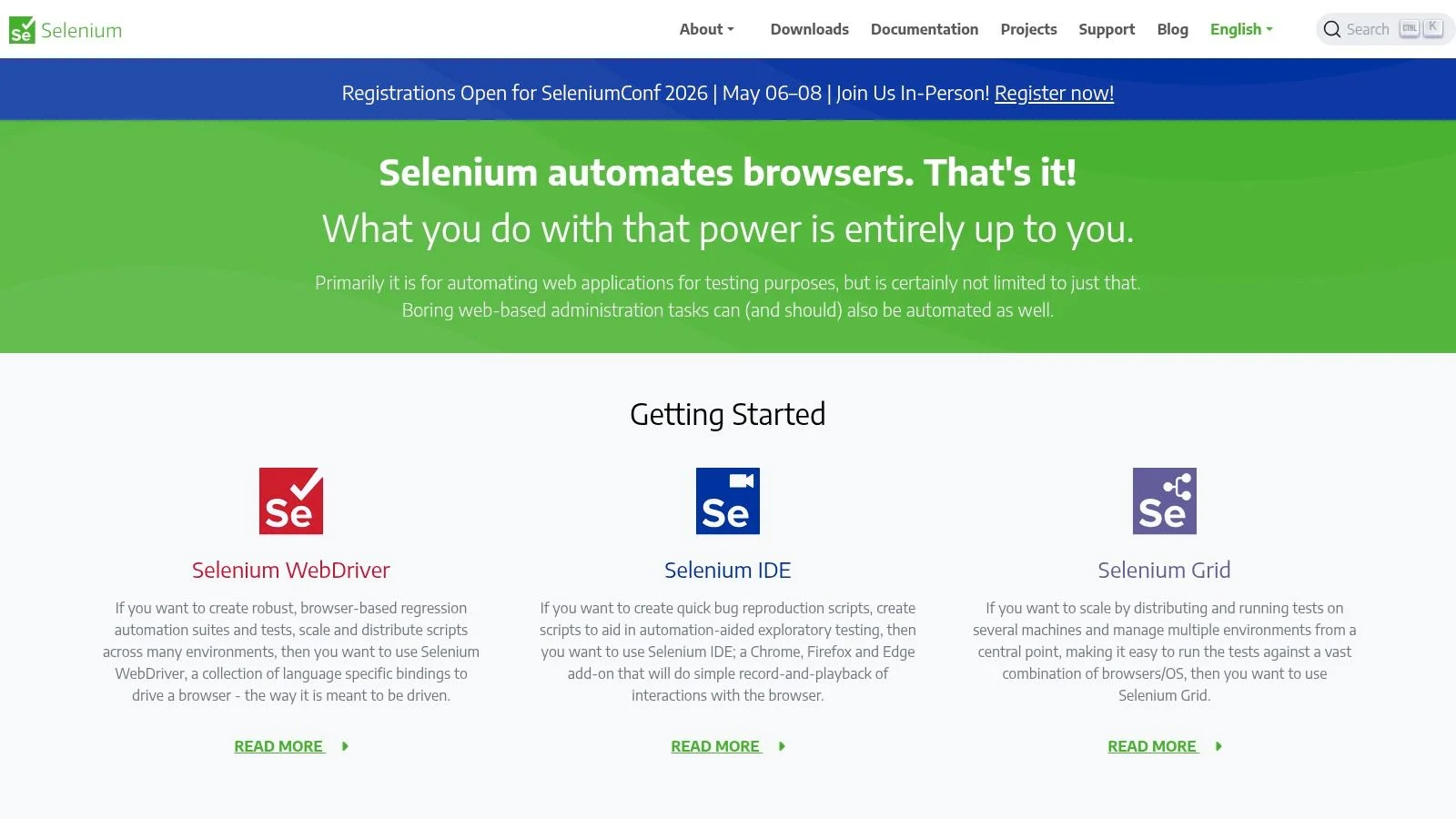
Selenium is the original browser automation framework, completely free and open-source. Its WebDriver API drives real browser instances, making it powerful for dynamic sites. The steep learning curve and manual anti-bot management are its main drawbacks for scraping use cases.
Top 12 Free Web Scraping Tools Comparison
This comparison maps each free web scraping tool to its target audience, technical skill requirement, and key limitation so you can make a fast, confident decision.
| Tool | Best For | Skill Level | Free Limit |
|---|---|---|---|
| Clura | Sales, marketing, recruiting | No-code | 300 rows/month |
| Web Scraper | Non-technical beginners | No-code | Free local extension |
| Octoparse | Marketers, researchers | No-code | 10k records per export |
| ParseHub | Dynamic JS sites | No-code | 5 projects, 200 pages/run |
| Apify | Developers, automation teams | Technical | $5 monthly credits |
| Instant Data Scraper | Quick ad-hoc extractions | No-code | 100% free, no limits |
| Data Miner | Analysts, marketers | No-code | 500 pages/month |
| Simplescraper | API integration workflows | No-code | Introductory credits |
| Scrapy | Data engineers | Developer | Open-source, free |
| Beautiful Soup | Python developers | Developer | Open-source, free |
| Playwright | Developers (JS-heavy sites) | Developer | Open-source, free |
| Selenium | Developers (full browser) | Developer | Open-source, free |
How to Choose Your First Free Web Scraping Tool
Match your tool to three factors: your technical skill level, the complexity of the websites you need to scrape, and the scale of data you need — then start small with one specific, high-value task.
The best way to move forward is to match the tool to your specific situation. Think about three key factors:
- Your Technical Skill: new to scraping? Start with Clura or Instant Data Scraper. Have coding experience? Beautiful Soup or Scrapy give you full control.
- Website Complexity: simple static pages work with any tool. JavaScript-heavy sites (social media, modern e-commerce) need Playwright, ParseHub, or an AI agent like Clura.
- Project Scale: occasional small tasks fit free tiers. Daily monitoring of thousands of pages needs cloud scheduling and IP rotation — look at Apify or Octoparse paid tiers.
Once you have picked your tool, start with one specific, high-value task. A sales team might extract a list of exhibitors from a conference website. A marketer might gather customer reviews for a competitor's product. A quick win shows the power of automation and builds momentum.
Frequently Asked Questions
What is the best free web scraping tool?
For business users who need no-code data collection, Clura is the best free starting point — it offers 300 rows per month with AI-powered templates for LinkedIn, Amazon, and more. For developers, Scrapy and Beautiful Soup are completely free with no limits beyond your own infrastructure.
Can I scrape LinkedIn for free?
Yes. Clura's free plan includes templates for LinkedIn Sales Navigator and LinkedIn company pages. You get 300 rows per month at no cost. Always review LinkedIn's Terms of Service and only collect publicly available information for legitimate business purposes.
Are free web scraping tools as good as paid ones?
For many business tasks, yes. Free tools like Clura (300 rows/month), Web Scraper (free local extension), and Scrapy (open-source, no limits) are fully capable. The main limitations are volume caps, lack of cloud scheduling, and absence of proxy management — all of which matter primarily at enterprise scale.
Do I need coding skills to use a free web scraping tool?
No. No-code tools like Clura, Octoparse, ParseHub, and Instant Data Scraper require zero programming knowledge. If you can browse the internet, you can use these tools. Developer frameworks like Scrapy and Playwright require Python or JavaScript skills.
Can free web scraping tools handle pagination?
Yes. Most modern tools handle pagination. Clura's AI agent automatically detects and clicks through pages. Octoparse and ParseHub have visual pagination settings. Scrapy and Playwright handle pagination through code you write in the crawling logic.
Conclusion
The right free web scraping tool depends entirely on who you are, what you need to scrape, and how often you need it. For business users who want immediate results without learning to code, Clura is the fastest path to clean, structured data. For developers building serious crawling pipelines, Scrapy and Playwright offer limitless power at zero cost.
Start with one specific high-value task, pick the tool that matches your skill level and website complexity, and run your first automation today. The days of mind-numbing copy-paste are officially over.
Explore related guides:
Skip the Learning Curve. Get Straight to the Results.
Clura was built to be the fastest and easiest way for business teams to scrape web data. Start automating lead generation and market research in seconds — no setup required.
Add to Chrome — Free →About the Author