
How to Scrape a Website: No-Code and Python Methods
Clura Team
Web scraping is the process of automatically extracting data from websites into a structured format. Whether you are building lead lists, monitoring competitors, or researching markets, the right approach depends on your technical skill level and the complexity of your target site.
This guide covers both no-code AI tools that require zero setup and Python-based methods for developers who need maximum flexibility. If you are looking for the fastest path to your first structured dataset, start with the no-code method — you can be extracting data in under five minutes using a web data extraction tool that runs directly in your browser.
Scrape Any Website in Minutes — No Code Required
Clura's AI agents work directly in your Chrome browser. Point, click, and export clean data to CSV or Google Sheets — no Python, no proxies, no setup.
Add to Chrome — Free →What Can You Do With Web Scraping?
Web scraping enables you to automatically collect structured data from any publicly accessible website, turning unstructured HTML into organized spreadsheets ready for analysis, outreach, or workflow automation.
Before choosing a method, it helps to understand the most common use cases for web scraping:
- Lead generation — extract company names, job titles, emails, and LinkedIn URLs from directories and search results
- Competitor monitoring — track competitor pricing, product listings, and feature updates automatically
- Market research — aggregate product reviews, forum discussions, and news mentions at scale
- Workflow automation — feed scraped data directly into CRMs, spreadsheets, or analytics dashboards
- Real estate and finance — collect property listings, stock data, or economic indicators for analysis
Each use case has different requirements. A marketer building a one-time lead list needs a fast, no-code solution. A data engineer running daily competitive intelligence needs a scheduled Python pipeline. See our guide on website data extraction tools to compare options across use cases.
The No-Code Method: Scrape Any Site in 5 Steps
The no-code method uses an AI-powered browser extension to extract structured data from any website in five steps: install the extension, navigate to the target page, activate the AI agent, select the data fields you want, and export to CSV or Google Sheets.
Tools like Clura make web scraping accessible to anyone. The entire workflow happens inside your browser — no terminal, no code, no configuration files. Here is the complete five-step process, detailed further in our data scraping Chrome extension guide:
- Install the Clura Chrome extension from the Chrome Web Store
- Navigate to the page containing the data you want to extract
- Click the Clura icon to activate the AI agent on the current page
- Click on the data elements you want — name, email, company, price — and Clura identifies the pattern automatically
- Click Export to download a clean CSV or send data directly to Google Sheets
The AI agent handles the hard parts: detecting the repeating data pattern, scrolling through pagination, and handling dynamic content loaded by JavaScript. You just point and click.

Quick Grabs With Browser Developer Tools
Browser Developer Tools let you inspect a page's HTML structure and manually extract small amounts of data without any software — useful for one-time grabs of fewer than 50 records.
For occasional, small-scale data extraction, your browser's built-in Inspector is a fast option that requires no additional tools:
- Right-click the element you want on the page and select Inspect
- In the DevTools panel, right-click the highlighted HTML element
- Select Copy > Copy outerHTML to grab the raw HTML
- Paste into a text editor or spreadsheet and manually clean the data
This method works for grabbing a handful of records quickly, but it does not scale. For more than 20-30 records, or for data that spans multiple pages, a dedicated scraping tool will save you significant time.
The Python Method: requests + BeautifulSoup
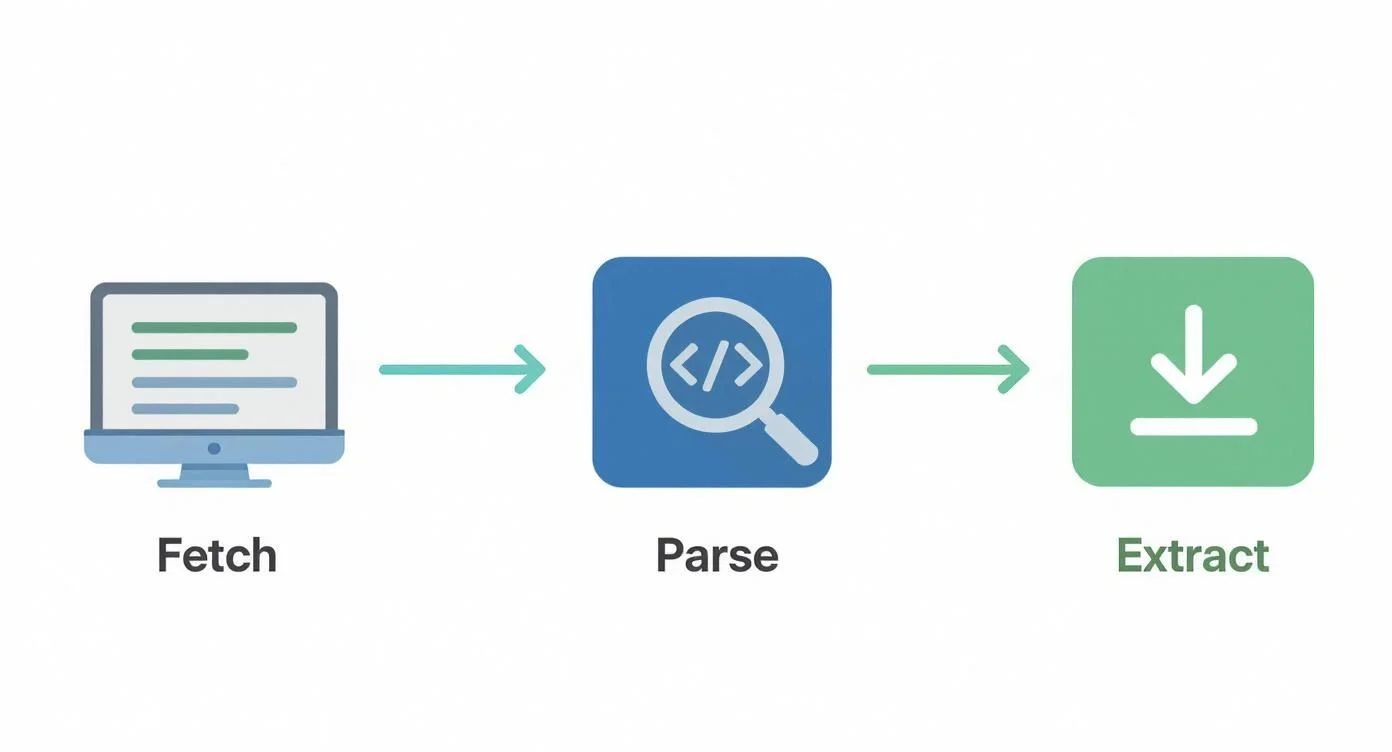
Python web scraping with requests and BeautifulSoup is the standard programmatic approach: you send an HTTP GET request to a URL, parse the returned HTML with BeautifulSoup, then use CSS selectors or tag navigation to extract the data fields you need.
Python is the most popular language for web scraping — 69.6% of developers who scrape data use Python. The requests + BeautifulSoup combination is the standard starting point for scraping static HTML pages.
Install the required libraries:
pip install requests beautifulsoup4
A basic scraper looks like this: import requests and BeautifulSoup, define your target URL, call requests.get(url) to fetch the HTML, pass the response text to BeautifulSoup(html, 'html.parser'), then use soup.find_all('h2') or soup.select('.product-title') to extract specific elements. Loop through the results and append each to a list, then write to a CSV with Python's built-in csv module.
Advanced Challenges: JavaScript, Pagination, and Proxies
Many modern websites load their content dynamically via JavaScript, require interaction to reveal data, or block automated requests — challenges that require headless browsers, pagination handling, and proxy rotation to overcome.
For JavaScript-heavy sites where requests + BeautifulSoup only returns an empty shell, you need a headless browser that executes JavaScript like a real user. The two leading options are Selenium (Python, Java, C#) and Playwright (Python, JavaScript, TypeScript). Both can click buttons, fill forms, scroll pages, and wait for dynamic content to load.
Handling pagination requires detecting the 'Next' button or URL pattern, clicking through pages in a loop, and appending results to your dataset on each iteration. Most sites use one of three pagination patterns: numbered pages (?page=2), cursor-based URLs, or infinite scroll triggered by scroll events.
If a site returns 429 Too Many Requests errors, implement rate limiting with time.sleep() between requests, rotate User-Agent strings to mimic different browsers, and consider a residential proxy service if the site blocks datacenter IP ranges.
Ethical Scraping: Stay on the Right Side of the Line
Ethical web scraping means respecting a site's robots.txt file, scraping at a human-like pace to avoid overloading servers, identifying your scraper with an honest User-Agent, and only collecting publicly available data that does not violate the site's Terms of Service.
Before scraping any site, check its robots.txt file (e.g., https://example.com/robots.txt) for disallowed paths. Scraping disallowed paths or bypassing authentication is both ethically and potentially legally problematic. See our full guide on the legality of web scraping for a jurisdiction-by-jurisdiction breakdown.
- Respect robots.txt — avoid paths listed under Disallow
- Scrape at a human-like pace — add delays of 1-3 seconds between requests
- Set a descriptive User-Agent string that identifies your bot and provides contact info
- Only collect publicly available data — never scrape behind login walls without permission
- Store personal data in compliance with GDPR and CCPA requirements
The Ethical, Easy Way to Scrape Any Website
Clura works within your authenticated browser session and scrapes at a natural pace — no IP bans, no ToS violations, no engineering overhead.
Add to Chrome — Free →Frequently Asked Questions
Is web scraping legal?
Scraping publicly available data is generally legal in most jurisdictions, as affirmed by the hiQ Labs v. LinkedIn ruling in the US. However, scraping behind login walls, violating a site's Terms of Service, or misusing personal data can create legal exposure. Always review the target site's ToS and comply with GDPR and CCPA when handling personal data.
How do I avoid getting blocked when scraping?
Use delays of 1-3 seconds between requests, rotate User-Agent strings, avoid scraping from datacenter IPs on aggressive schedules, and respect robots.txt. For more serious anti-bot systems, consider using a no-code browser extension like Clura that operates from your authenticated session and mimics genuine human browsing patterns.
What is the best format for saving scraped data — CSV or JSON?
CSV is best for tabular data you plan to open in Excel or Google Sheets, share with non-technical teammates, or import into a CRM. JSON is better for nested or hierarchical data, API responses, or data you plan to process programmatically. For most lead generation and market research use cases, CSV is the default choice.
Conclusion
Web scraping in 2026 is accessible to everyone — from marketers who need a one-time lead list to engineers running daily competitive intelligence pipelines. The no-code browser extension approach gets you from zero to structured data in under five minutes. Python with BeautifulSoup handles static HTML programmatically. Headless browsers tackle JavaScript-heavy pages.
The most important choice is matching the tool to the task. Over-engineering a simple lead list extraction with Playwright wastes time. Under-tooling a complex, dynamic site with a simple CSV copy-paste wastes more time. Start with the simplest approach that gets the job done, and escalate to more powerful methods only when needed.
Whichever method you choose, scrape ethically: respect robots.txt, pace your requests, and handle personal data responsibly.
Explore related guides:
- Website Data Extraction Tools — Compare the best tools for extracting data from websites without coding
- Data Scraping Chrome Extension — How to use a Chrome extension to scrape any website in minutes
- Legality of Web Scraping — A jurisdiction-by-jurisdiction breakdown of web scraping laws
Start Scraping Any Website in Under 5 Minutes
Clura is a free Chrome extension with AI agents that extract structured data from any website. No Python, no setup, no infrastructure — just point, click, and export.
Add to Chrome — Free →About the Author