
12 Best Data Collection Software Tools for 2026
Clura Team
Tired of manually copying and pasting information from websites? This guide will help you find the perfect data collection software to automate your work and supercharge your business. Whether you are hunting for leads, monitoring competitors, or sourcing candidates, the right tool can save hundreds of hours.
We have done the heavy lifting and created a detailed breakdown of the top 12 tools available today — from AI-powered browser agents like Clura to enterprise infrastructure platforms like Bright Data — complete with real-world use cases, feature comparisons, and clear pricing details.
Start Collecting Data in One Click
Clura is the AI-powered Chrome extension that turns any public website into a clean, structured spreadsheet instantly — no code, no complex setup, no waiting.
Add to Chrome — Free →Top 12 Data Collection Software Tools
The best data collection software tools range from no-code browser extensions like Clura for business users to powerful developer platforms like Apify and Bright Data for high-volume, enterprise-grade extraction.
1. Clura
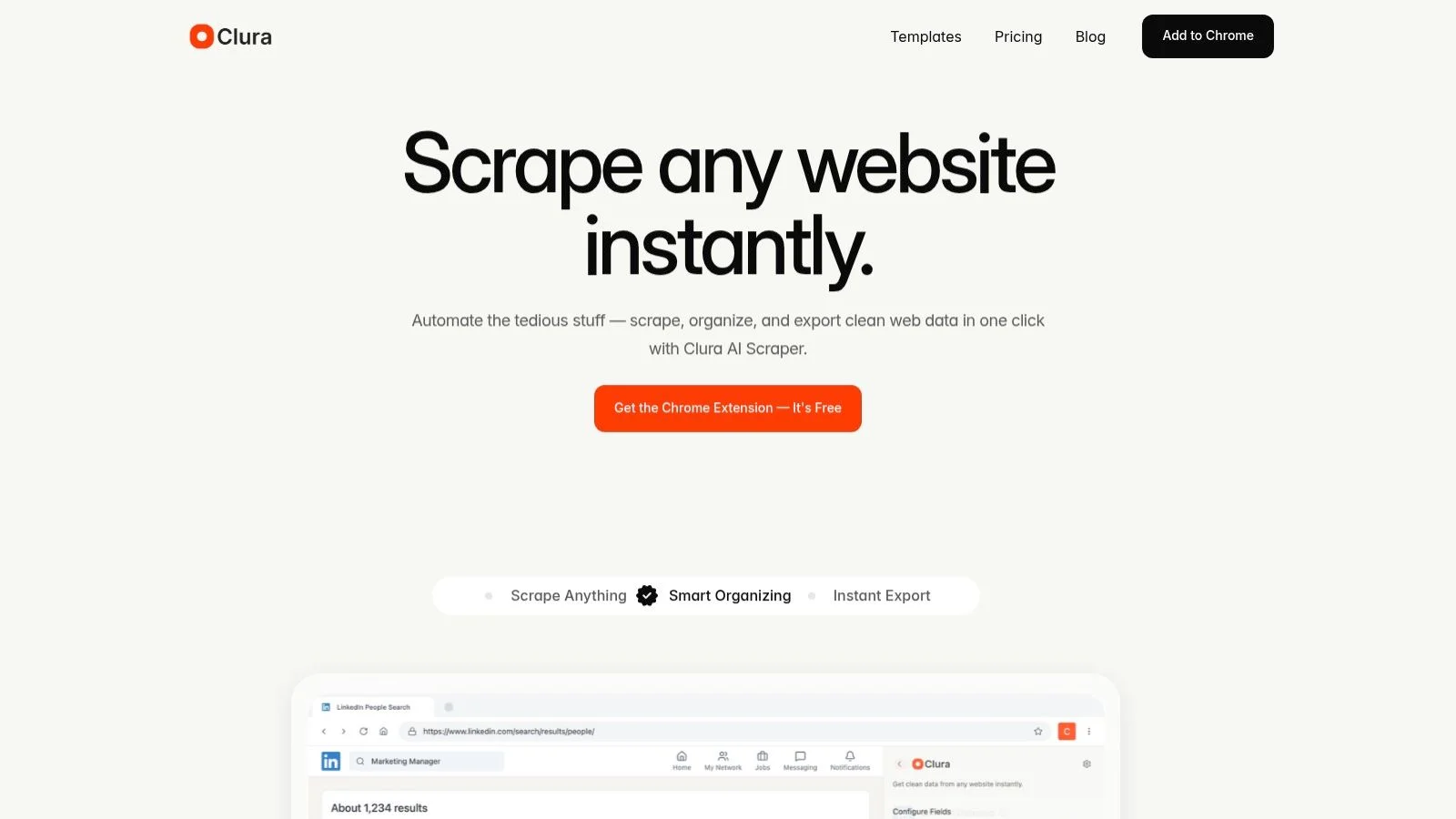
Clura earns the top spot by making web-based data collection incredibly simple. This AI-powered Chrome extension turns tedious manual copy-pasting into a one-click workflow for sales, marketing, and e-commerce teams. Pre-built templates for LinkedIn, Amazon, Crunchbase, and more mean you can start collecting structured data in minutes without any technical help.
| Pros | Cons |
|---|---|
| No-code Chrome extension, up and running in minutes | Chrome-only; other browsers not supported |
| AI agents and templates accelerate common workflows | Free tier capped at 300 rows / 10 runs per month |
| Supports LinkedIn, Amazon, Crunchbase, and many more | Front-end scraping can be affected by strong anti-bot measures |
| Clean, structured CSV output saves hours of data prep |
Pricing: Free plan with 300 rows and 10 agent runs per month. Grow plan from $15/month for 1,000 rows and unlimited agent runs.
2. Apify
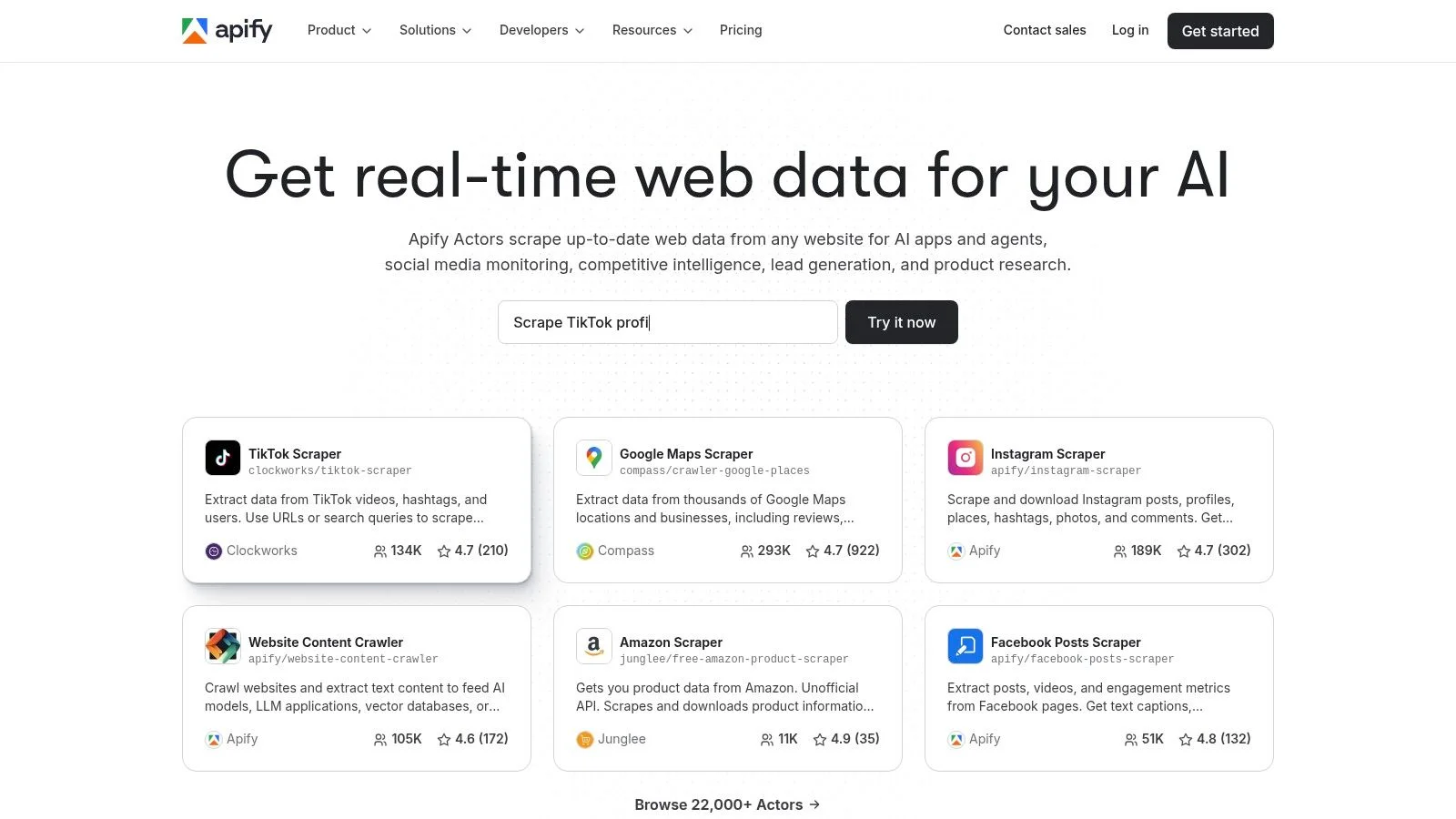
Apify is a powerful platform built around "Actors" — serverless cloud programs for any scraping or automation task. Its store offers hundreds of ready-made Actors, and developers can build custom solutions using the JavaScript SDK. Plans include a free tier with monthly credits; paid plans start at $49/month.
3. Zyte (formerly Scrapinghub)
Zyte provides enterprise-grade scraping infrastructure centered on its unified API for proxy rotation, JavaScript rendering, and CAPTCHA handling. Scrapy Cloud lets teams deploy spiders at scale with success-based pricing. Best for developer teams with existing Scrapy expertise.
4. Bright Data
Bright Data is a full-scale web data platform with one of the world's largest proxy networks. Its Web Unlocker API automates IP rotation, CAPTCHA solving, and fingerprinting. A Dataset Marketplace offers pre-collected data on demand. Monthly subscription plans start at $500/month.
Need Clean Data Without the Technical Overhead?
Clura's AI agents do all the heavy lifting. Just open a website, choose a template, and click Export. Your data lands in a perfectly structured CSV in seconds.
Add to Chrome — Free →5. Oxylabs
Oxylabs is an enterprise powerhouse combining a massive proxy network with Web Scraper API for automated JS rendering and CAPTCHA bypass. Web Scraper API plans start at $49/month; residential proxy plans from $75/month. Best at enterprise scale.
6. Octoparse
Octoparse democratizes data gathering with a visual, point-and-click interface that needs no code. Its cloud service adds scheduling and IP rotation. Free plan available; Standard plans from $89/month.
7. ParseHub
ParseHub excels at scraping dynamic sites with JavaScript, AJAX, and infinite scroll via a visual desktop app. Free plan supports up to 200 pages per run; paid plans from $189/month.
8. Web Scraper (webscraper.io)
Web Scraper offers a point-and-click browser extension for building sitemaps without code. Its cloud service adds parallel jobs and scheduling. The browser extension is free; cloud plans from $50/month.
9. Browse AI
Browse AI uses an action-recorder to train robots by demonstration. Scheduled monitoring with visual change alerts makes it ideal for competitor tracking. Free plan available; paid plans from $49/month.
10. PhantomBuster
PhantomBuster is the go-to platform for social media lead generation automation. Over 100 pre-built Phantoms and chainable Workflows power outreach funnels without code. 14-day free trial; paid plans from $69/month.
11. Captain Data
Captain Data is an API-first platform for B2B data pipelines. It chains people and company enrichment automations directly into CRMs like Salesforce and HubSpot. Credit-based pricing with a pricing calculator.
12. Diffbot
Diffbot uses computer-vision and NLP models to automatically extract structured data from any page without manual rules. Its commercial Knowledge Graph is powerful for enrichment. Paid plans from $299/month.
Data Collection Software Feature Comparison
Comparing tools across technical skill required, best use case, and pricing helps narrow down which data collection software fits your team's workflow and budget.
| Tool | Best For | Skill Level | Starting Price |
|---|---|---|---|
| Clura | Sales, marketing, recruiting | No-code | Free / $15/mo |
| Apify | Dev teams, scalable crawlers | Technical | $49/mo |
| Zyte | Scrapy developers | Developer | PAYG |
| Bright Data | Enterprise, high-success rates | Developer | $500/mo |
| Oxylabs | High-volume enterprise | Developer | $49/mo |
| Octoparse | Non-technical teams | No-code | Free / $89/mo |
| ParseHub | Dynamic JS sites | No-code | Free / $189/mo |
| Web Scraper | Simple sites, beginners | No-code | Free / $50/mo |
| Browse AI | Monitoring, no-code | No-code | Free / $49/mo |
| PhantomBuster | Social media lead gen | No-code | $69/mo |
| Captain Data | B2B CRM pipelines | API | Usage credits |
| Diffbot | AI extraction, enrichment | API | $299/mo |
How to Choose the Right Data Collection Software
Choose your data collection software by answering four questions: who will use it, what is your primary use case, how much data do you need, and what is your budget.
- Who will use it? Non-technical users need no-code tools; developers can leverage APIs and frameworks.
- What is your primary use case? Lead gen, price monitoring, and social automation each have purpose-built solutions.
- How much data do you need? Free tiers work for occasional small tasks; cloud scheduling suits continuous monitoring.
- What is your budget? Start with free trials before committing to a paid plan.
The right data collection software not only saves hundreds of hours but unlocks a level of insight that was once impossible to achieve. Manual data gathering is a thing of the past.
Frequently Asked Questions
What is data collection software?
Data collection software automates the process of extracting information from websites and other sources, turning unstructured web pages into clean, structured datasets you can use for sales, marketing, research, or operations.
Which data collection software is best for non-technical users?
Clura, Octoparse, Browse AI, and ParseHub are all designed for non-technical users. Clura is the fastest to start — install the Chrome extension and use a pre-built template to extract your first dataset in under five minutes.
Is there a free data collection software?
Yes. Clura offers 300 rows and 10 agent runs per month for free. Octoparse and Web Scraper also have free local tiers. Apify provides $5 in monthly platform credits at no cost.
Can data collection software scrape LinkedIn?
Yes. Clura has pre-built templates for LinkedIn Sales Navigator and LinkedIn company pages. Always review LinkedIn's Terms of Service and only collect publicly available profile information for legitimate business purposes.
How do I export scraped data to Excel?
Most no-code data collection tools export directly to CSV, which opens natively in Excel. Clura exports to CSV in one click after a scrape completes. Some tools also support direct Google Sheets integration.
Conclusion
The world of automated data collection is incredibly exciting. The right software not only saves hundreds of hours but unlocks a level of insight that was once impossible to achieve without a dedicated research team.
Start by identifying your primary use case and skill level, then pick a tool that matches both. Try Clura's free tier for immediate, no-code results — or explore one of the developer platforms if you need enterprise-scale infrastructure.
Explore related guides:
Stop Copying and Pasting. Start Automating.
Clura makes web data collection as easy as clicking a button. Install the free Chrome extension and pull your first clean dataset in minutes — no code, no complexity.
Add to Chrome — Free →About the Author