
How to Scrape a Web Page: The Ultimate 2026 Guide
Clura Team
Web scraping is the automated process of extracting information from websites — and learning how to scrape a web page gives you a serious competitive advantage in any industry. Instead of manually copying and pasting data for hours, a scraper programmatically fetches a web page and pulls out exactly what you need: product names, prices, contact details, reviews, and more. The web scraping market is valued at over $1 billion and projected to double by 2030 as businesses increasingly rely on real-time data to stay competitive.
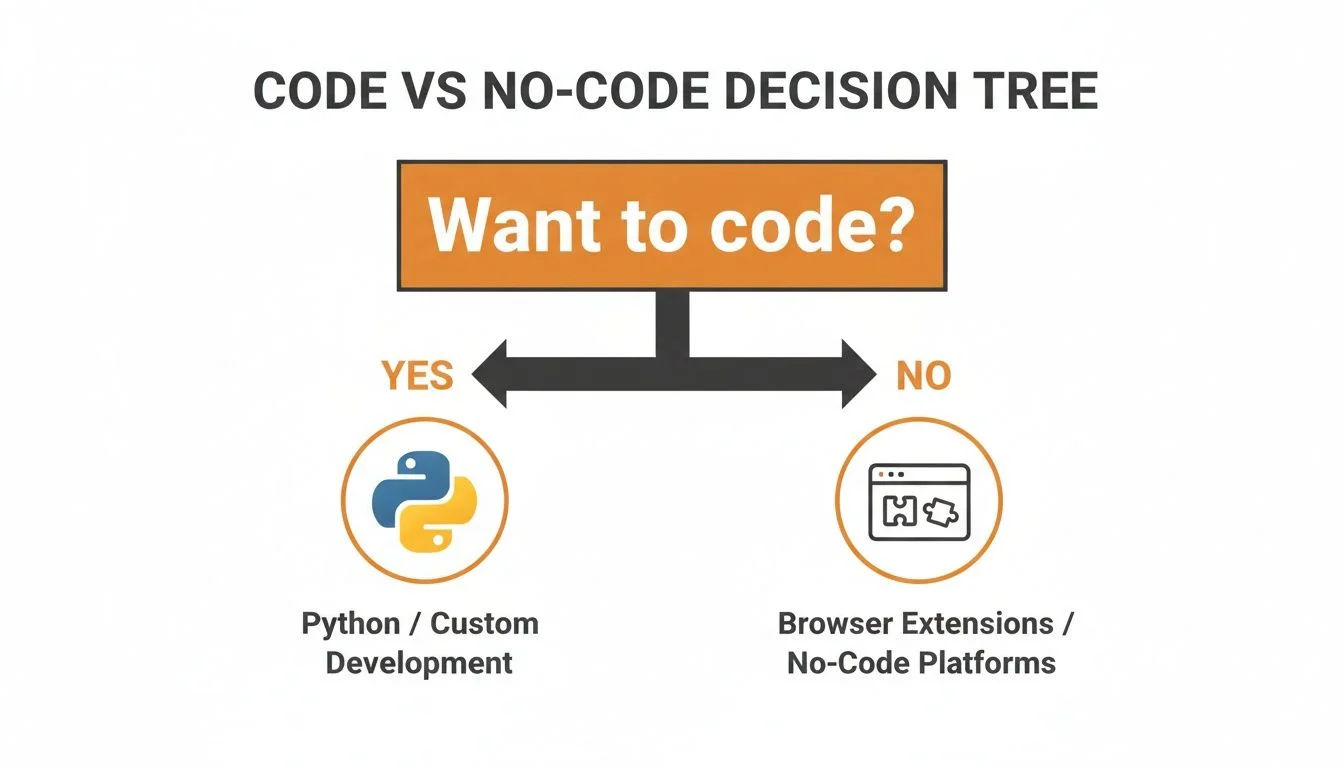
This guide walks through every method, from easy point-and-click no-code tools to powerful Python scripts — so whether you are a marketer building lead lists or a developer building a data pipeline, you will find the right approach here. You can also explore our guide to Chrome extension data scrapers for a focused look at browser-based tools.
Scrape Any Web Page in Under 60 Seconds
Clura is an AI-powered browser extension that extracts structured data from any website in one click. No code, no complicated setup — just clean, ready-to-use data exported as CSV.
Add to Chrome — Free →What Is Web Scraping?
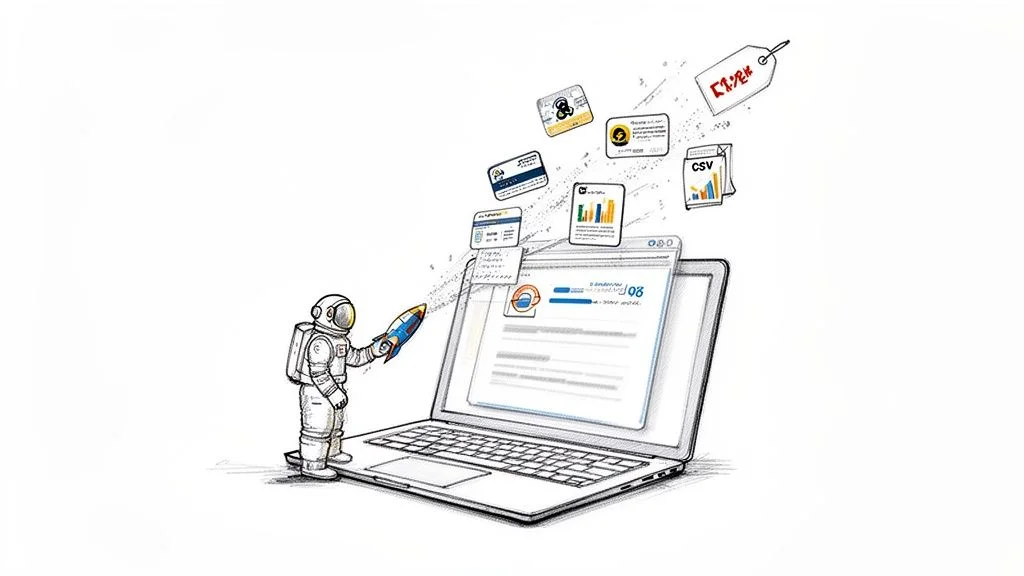
Web scraping is the automated process of extracting structured information from websites — replacing slow, error-prone manual copy-pasting with scripts or AI tools that programmatically fetch a page and pull out exactly the data you need.
A scraper programmatically fetches a web page and extracts specific data fields — product names, prices, contact details, reviews, job listings — organizing them into a clean, structured format like a CSV or spreadsheet. Thanks to modern AI-powered tools, web scraping is no longer just for developers. It is accessible to everyone regardless of technical skill.
Why You Should Learn to Scrape a Web Page
- Generate high-quality leads: pull contact details from professional directories and networking sites
- Monitor competitor pricing: keep a real-time eye on what rivals are charging
- Conduct in-depth market research: aggregate customer reviews, track social trends, compile listings
- Automate content creation: gather statistics and data to fuel articles, reports, and analysis
Method 1: Scrape Any Web Page with No-Code Tools
No-code browser extensions let you scrape any website in under 60 seconds by clicking on the data fields you want — no programming knowledge required — and exporting the results as a clean CSV file.
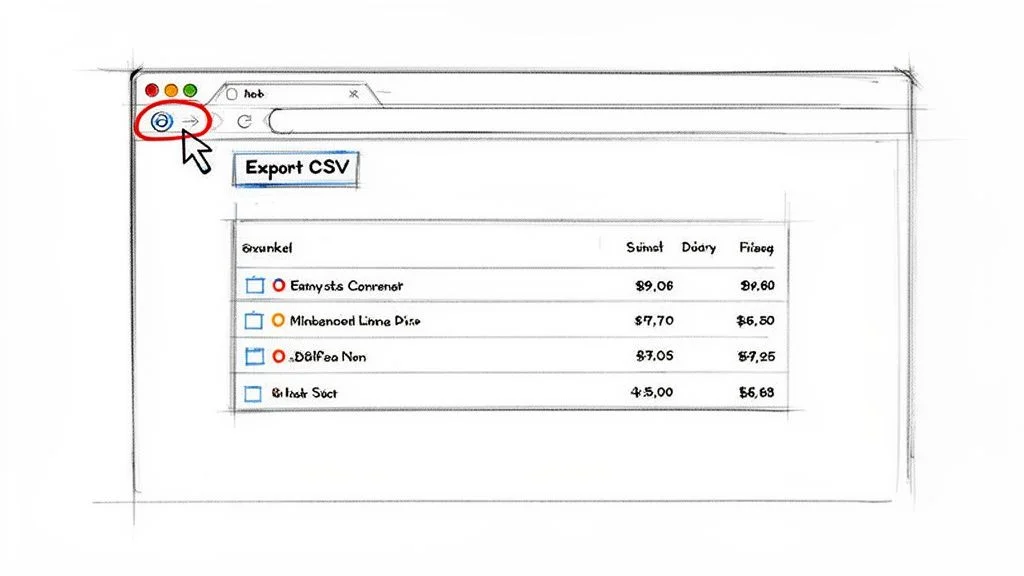
No-code tools — especially AI-powered browser extensions — have made web scraping incredibly simple. Think of them as a smart assistant in your browser: you visit a website, click a button, and the tool intelligently identifies the data you want and organizes it into a clean table. Pre-built “agents” or templates are already trained to understand the layout of popular websites like Amazon, LinkedIn, or Zillow.
How to Use a No-Code Scraping Extension in 4 Steps
- Install the extension: find a tool like Clura on the Chrome Web Store and add it to your browser with one click
- Navigate to your target page: open the website you want to scrape
- Activate the scraper: click the extension icon — a sidebar appears with pre-built agents matching your current site
- Run and export data: select the right agent, hit Run, and export your clean dataset as CSV when complete
A good Chrome extension data scraper can completely transform your data gathering workflows. What could easily be an hour of manual work becomes a 30-second task, letting you gather more data more often for sharper insights.
Method 2: Build Your First Scraper with Python
Python is the most popular web scraping language because the Requests library fetches raw HTML from any page and BeautifulSoup parses it into a structured object, letting you extract any data element in just a few lines of code.
While no-code tools are great for quick jobs, sometimes you need more power and control. Python is the number-one language for web scraping, and getting started is easier than you might think. The core toolkit uses two libraries: Requests (fetches raw HTML from any page) and BeautifulSoup (parses that HTML into a structured object you can query). Install both with: pip install requests beautifulsoup4
The key to successful scraping is finding the right HTML tags. In your browser, right-click on an element you want to scrape and click “Inspect” to open developer tools and see the HTML structure. Once you know the tag and class of your target element, BeautifulSoup’s find_all() method scans the document and returns every matching instance — then .get_text() extracts the clean, readable text.
How to Scrape Dynamic Websites
Dynamic websites load content via JavaScript after the initial page loads, making them invisible to simple HTTP-based scrapers — the solution is a headless browser like Playwright that runs a full Chrome instance in the background and can scroll, click, and wait for JavaScript-rendered content.
Modern websites often use JavaScript to load content after the initial page loads. A simple scraper built with Requests and BeautifulSoup only sees the initial HTML skeleton and misses all the dynamically loaded data. To solve this, you need a tool that can act like a real user in a real browser.
Playwright and Selenium are the two leading headless browser tools. Because they run full browsers, they can click buttons, scroll to trigger infinite scroll, wait for API data to load, and fill out forms — handling virtually any modern website. Playwright is recommended for new projects due to its clean API and excellent performance.
| Method | Best For | Technical Skill | Pros | Cons |
|---|---|---|---|---|
| No-Code Extensions (Clura) | Quick scrapes, simple static sites, beginners | None | Extremely fast setup, visual, no coding | Limited customization for complex JavaScript sites |
| Simple Scripts (Requests + BS4) | Scraping static HTML at scale | Basic Python | Lightweight, fast, low resource usage | Cannot handle JavaScript-rendered content |
| Headless Browsers (Playwright/Selenium) | Dynamic/interactive sites, SPAs | Intermediate Python | Can scrape virtually any site | Slower, more resource-intensive, complex setup |
| Scraping Frameworks (Scrapy) | Large-scale ongoing projects | Advanced Python | Highly scalable, built-in pipeline | Steep learning curve, overkill for simple tasks |
How to Overcome Common Scraping Challenges
The three most common web scraping challenges — IP blocks, CAPTCHAs, and pagination — are solved by rotating user-agents and proxies to mimic human traffic, and by programming your scraper to automatically detect and navigate through paginated results.
Staying Under the Radar
If your script sends hundreds of requests from the same IP address in a short time, you will trigger server alarms. To avoid getting blocked, make your scraper act more like a human. Rotate User-Agents (the text string identifying your browser) to make each request look like a different user. Use proxy servers to route requests through different IP addresses. Combine both tactics to mimic the natural pattern of real human traffic. Always check a website’s robots.txt and respect the legality of web scraping guidelines before starting.
Handling Pagination Like a Pro
When data is spread across dozens or hundreds of pages, you need to automate pagination. For sites with URL patterns like ?page=1, ?page=2, write a simple loop in your script to increment the page number until the data runs out. For sites with “Next” buttons, use a headless browser to programmatically click through. For infinite scroll, simulate scrolling behavior to trigger the JavaScript that loads new content.
Handle Pagination and Dynamic Sites Automatically
Clura’s AI agent handles pagination and infinite scroll automatically — no code required. Just click Run and let it collect complete datasets from any site while you focus on analysis.
Add to Chrome — Free →Frequently Asked Questions
Is web scraping legal?
Scraping publicly available data is generally considered legal. If you can see the information in a browser without logging in, you are usually in the clear. Never scrape personal data, information behind a login screen, or copyrighted content. Always check a website’s robots.txt file and Terms of Service. For large commercial projects, consult a legal professional.
How do I scrape data from multiple pages?
For URL-pattern pagination (e.g., ?page=1), write a loop that increments the page number. For “Next” buttons, use a headless browser like Playwright to find and click the button until it no longer exists. For infinite scroll, simulate scrolling behavior. No-code tools like Clura often detect and handle pagination automatically.
What is the best way to save scraped data?
For most business use cases, CSV (Comma-Separated Values) is the best format. It is lightweight, universally compatible, opens in any spreadsheet tool, and organizes data in a clean table format ready for analysis. For complex nested data or API work, JSON is an excellent alternative.
How do I avoid getting blocked while scraping?
Three tactics work best: use proxy servers to route requests through different IP addresses, rotate User-Agent strings to appear as different browsers and devices, and add randomized delays between requests to mimic human browsing speed. A real person does not click a new link every 50 milliseconds — your scraper should not either.
Conclusion
Web scraping is one of the highest-leverage skills you can develop in 2026. Whether you choose a no-code browser extension for quick wins or build custom Python scripts for complex pipelines, the ability to collect and organize web data opens up enormous strategic possibilities.
Start with the simplest method that gets you what you need. For most business use cases — lead generation, competitor pricing, market research — a no-code AI browser extension will handle 80% of what you need in a fraction of the time of custom code.
As your needs grow, layer in Python scripting for static HTML sites, headless browsers for dynamic JavaScript-heavy pages, and anti-blocking techniques for high-volume projects. The progression from beginner to advanced is natural and each stage delivers immediate practical value.
Explore related guides:
- Data Scraping Chrome Extension Guide —
- Is Web Scraping Legal? Complete Guide —
- Automate Data Collection Without Code —
Scrape Any Web Page in One Click
Clura is an AI-powered browser extension that makes web scraping as easy as clicking on what you want. Handle pagination, dynamic content, and CSV export automatically — no code required.
Add to Chrome — Free →About the Author