
How to Scrape a Website Without Coding: Your 2026 Guide
Clura Team
You can absolutely scrape a website without writing a single line of code, and it's much easier than you think. Forget coding classes or hiring developers. The secret is using smart AI-powered browser tools that do all the heavy lifting for you.
You just click on the data you want — product names, prices, contact info — and these tools intelligently pull it all into a neat, organised spreadsheet. The web scraping software market reached $1.03 billion in 2025 and is projected to hit $2.7 billion by 2035, driven by no-code solutions that finally make data extraction easy for everyone.
Scrape Any Website in One Click — No Coding Required
Clura is an AI-powered browser extension that turns any webpage into a clean spreadsheet. Point, click, and export in seconds.
Add to Chrome — Free →What Is No-Code Web Scraping?
No-code web scraping uses AI-powered visual tools that let you click on data in your browser to extract it — no programming knowledge required, just point, click, and export.
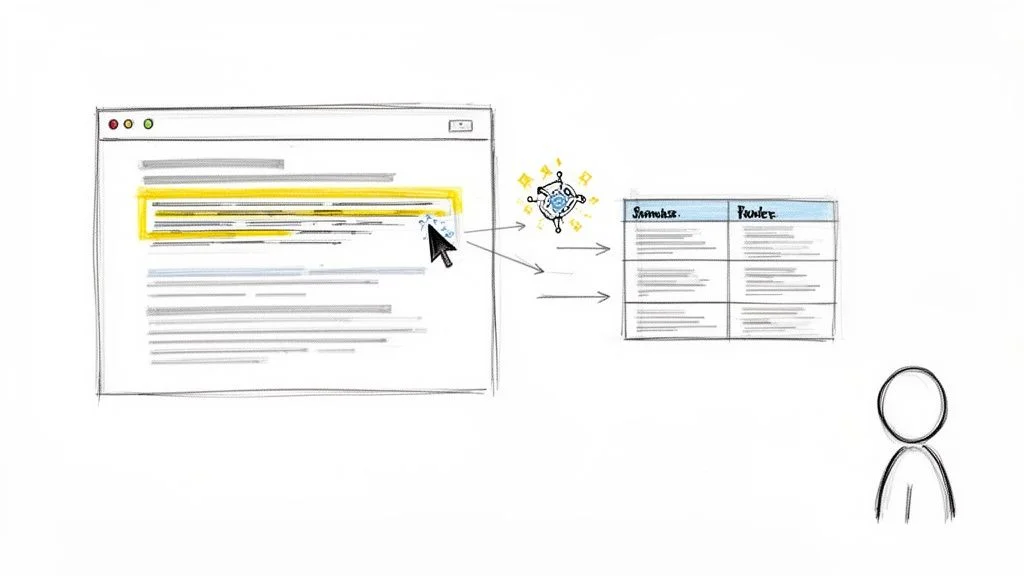
AI-driven tools like Clura 'read' a webpage's structure just like a person would. When you click on a piece of information, the AI spots the pattern and instantly applies it across the entire page — or even hundreds of pages. This means you can:
- Build targeted lead lists by grabbing names, job titles, and company info from professional networks.
- Monitor competitor pricing by collecting prices from Amazon or Shopify automatically.
- Automate research by pulling articles, reviews, or market data from across the web.
| Method | Best For | Ease of Use | Example Tool |
|---|---|---|---|
| Browser Extensions | Quick, simple scrapes on single pages | ★★★★★ | Clura |
| Web-Based Tools | Complex, multi-page and scheduled automation | ★★★★☆ | Octoparse |
| Google Sheets Formulas | Pulling simple tables directly into a spreadsheet | ★★★☆☆ | =IMPORTHTML |
Finding the Right No-Code Scraping Tool
The best no-code scraping tool is the one that matches your specific task: browser extensions for quick one-off grabs, web applications for large-scale scheduled automation.
Browser Extensions for Quick Wins
Lightweight browser extensions like Clura live right inside your browser, making them incredibly fast and simple for in-the-moment tasks: grabbing speaker names from a conference agenda, pulling top-rated products from Amazon, or extracting company names from a directory. The learning curve is practically zero.
Web Applications for Automated Power
When you need to schedule scrapes to run automatically, handle pagination across hundreds of pages, manage complex workflows, or integrate with Google Sheets and your CRM — a dedicated web application is the better choice. See our guide on the top free web scraping tools available today.
Key Features to Compare
- Ease of use: does it have a point-and-click interface with AI pattern recognition?
- Data export: can you get CSV or Excel output, or direct Google Sheets integration?
- Scheduling: can you set it to run automatically on a recurring schedule?
- Pricing: is there a free plan to start, with paid plans that match your data volume?
How to Scrape a Website: A Step-by-Step Guide
The three-step no-code scraping process is: install a browser extension, point and click on the data elements you want, then export the organised results to a CSV file.
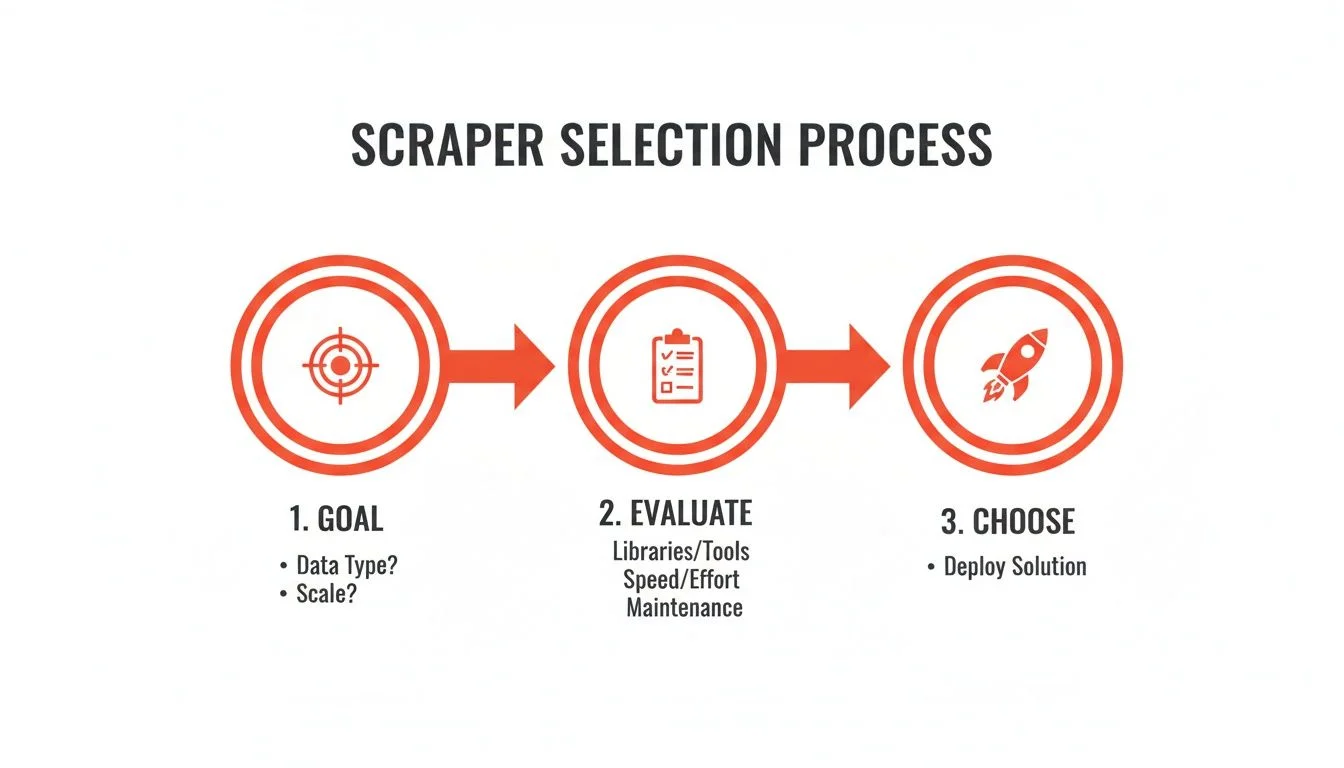
Step 1: Set Up Your Scraper
Install the Clura extension from the Chrome Web Store. Navigate to the page you want to scrape — for example, a conference speakers page for lead generation.
Step 2: Point, Click, and Extract
Move your cursor over the first speaker's name and click. The tool's AI instantly scans the page, identifies the pattern, and pulls every speaker's name into a clean column. Repeat for title and company. In less than a minute you have a perfect three-column dataset. You can also automate data collection for tasks you do repeatedly.
Step 3: Review and Export
The live preview inside the extension shows you the data as it populates. When the results look right, click Export to download a CSV — ready to open in Excel, Google Sheets, or upload directly to your CRM.
Real-World Use Cases for No-Code Scraping
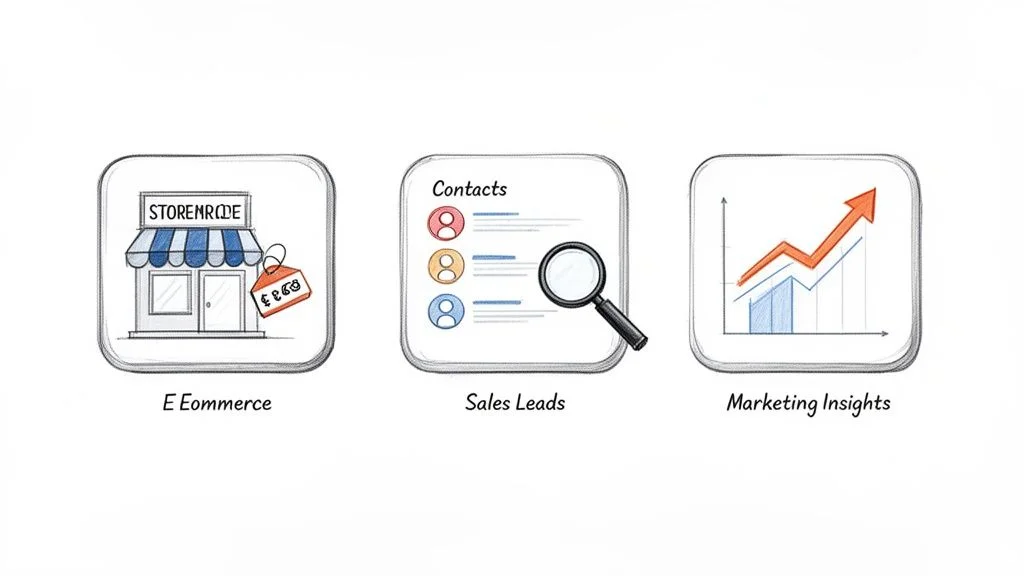
The three highest-ROI use cases for no-code web scraping are building smarter sales lead lists, tracking competitor pricing in real time, and automating e-commerce market research.
Supercharge Your Sales Pipeline
- Automated lead generation: scrape business directories to build targeted lists with company names, phones, and websites.
- Enrich contact lists: point a scraper at 'About Us' and 'Team' pages to find decision-maker names and job titles.
- Monitor sales triggers: watch industry news sites for funding announcements and executive hires — perfect outreach timing signals.
Track Competitor Pricing in Real Time
Automate daily visits to competitor product pages, pulling names, SKUs, and prices into a single spreadsheet. You get a live pricing dashboard that lets you spot trends, adjust your prices strategically, and identify opportunities when a competitor is out of stock.
Build a Lead List or Price Monitor in Minutes
Clura's pre-built templates for Amazon, LinkedIn, and business directories mean your first automated workflow is just one click away.
Add to Chrome — Free →How to Scrape Data Ethically and Effectively
Ethical no-code scraping means checking the site's Terms of Service and robots.txt, scraping at a human pace with delays between requests, and sticking exclusively to publicly available data.
Respect the Rules of the Road
- Check the Terms of Service: search for 'scrape', 'crawl', or 'automated access' to see the site's official stance.
- Respect robots.txt: visit domain.com/robots.txt — if a path is disallowed, steer clear.
- Never scrape data from behind a login unless you have explicit permission.
Know the Difference: Public vs. Private Data
Public data — product prices, business addresses, news headlines — is generally fair game. Private data — anything behind a login, personal information protected by GDPR or CCPA, or copyrighted content — is a red line you should never cross. For the legal nuances, see our guide on whether scraping websites is illegal.
Frequently Asked Questions
Is it legal to scrape data from any website?
Scraping publicly available data is generally legal. Check the Terms of Service for rules against automated access, respect the robots.txt file, and stay away from personal or copyrighted data. Modern tools like Clura are built for responsible scraping of public data.
Can I scrape modern, dynamic websites without coding?
Absolutely. Today's best no-code tools, especially browser extensions, work inside your browser and see the fully-loaded page exactly as you do. Interactive maps, infinite scroll feeds, and JavaScript-rendered content are no longer obstacles.
How do I avoid getting blocked while scraping?
Websites block scrapers that behave aggressively. Scrape at a human pace — great no-code tools automatically add delays between requests. Avoid peak hours if possible, and use a reputable tool designed to behave politely. These steps prevent you from setting off any anti-bot alarms.
What's the best way to use my scraped data?
Export to CSV or Excel for quick analysis. For ongoing workflows, look for direct integrations: Google Sheets for live dashboards, Airtable for flexible databases, or your CRM so fresh leads flow in automatically. A good no-code scraper delivers clean, structured data that skips the tedious cleanup step.
Conclusion
No-code web scraping has democratised access to web data. Anyone in sales, marketing, e-commerce, or research can now build automated data workflows in minutes — no developer, no Python, no configuration headaches.
Start with a browser extension for your first quick win, then graduate to scheduled automations as your needs grow. The most important thing is to start — the first scrape you run will show you just how much time you've been leaving on the table.
Explore related guides:
- Modern Guide to Web Scraping — covers both no-code and Python approaches for every skill level
- Automate Data Collection — build repeatable workflows that gather web data on any schedule
- Free Web Scraping Tools — compare the best zero-cost options for data extraction
Stop Copy-Pasting and Start Automating
Clura is a browser-based AI agent that helps you scrape, organise, and export clean data from any website in one click. Try it free today.
Add to Chrome — Free →About the Author