
Price History on Amazon: Track Prices, Set Alerts, and Find Every Deal
Clura Team
Amazon prices do not stay still. A single product can change price more than a dozen times a day, driven by competitor algorithms, inventory levels, and sales events like Prime Day. Understanding price history on Amazon is the key to knowing whether a sale is actually the lowest price — or just a badge on a product that has been at that level for months.
This guide is the complete toolkit: how to check price history instantly with browser extensions, how to set price drop alerts so deals come to you, how to verify whether Amazon sales are genuine, and how to automatically monitor prices across entire categories — whether you are shopping or selling.
Track Amazon Prices Automatically
Clura extracts price data from any Amazon page on a schedule — building a historical dataset you can analyze in Excel or Google Sheets. Ideal for sellers monitoring competitors and buyers hunting the best deals.
Add to Chrome — Free →Why Amazon Prices Change Constantly
70% of Amazon sellers use dynamic pricing algorithms that react to competitor changes, inventory levels, time of day, and sales events — sometimes adjusting prices every few minutes, creating a marketplace where prices shift more than a dozen times a day.
The marketplace runs on automation. 70% of Amazon sellers use dynamic pricing software that constantly monitors competitors and adjusts prices in real time. When one seller's algorithm drops their price by a few cents to win the Buy Box, others react within minutes. The Echo Dot launched at $49.99 and hit $19.99 during Black Friday — a 61% drop. Kindle dropped 83% over seven years as Amazon used pricing to capture 75% of the US e-book market.
- Competitor actions: The biggest driver — when a major seller drops their price, others follow almost immediately.
- Inventory levels: Running low? Price goes up. Warehouse overflowing? Price drops to move product.
- Major sales events: Prime Day, Black Friday, Cyber Monday. Historical data shows these are reliably the best times to buy in most categories.
- Time of day: Some sellers adjust prices during peak shopping hours (evenings, weekends) to maximize revenue per visitor.
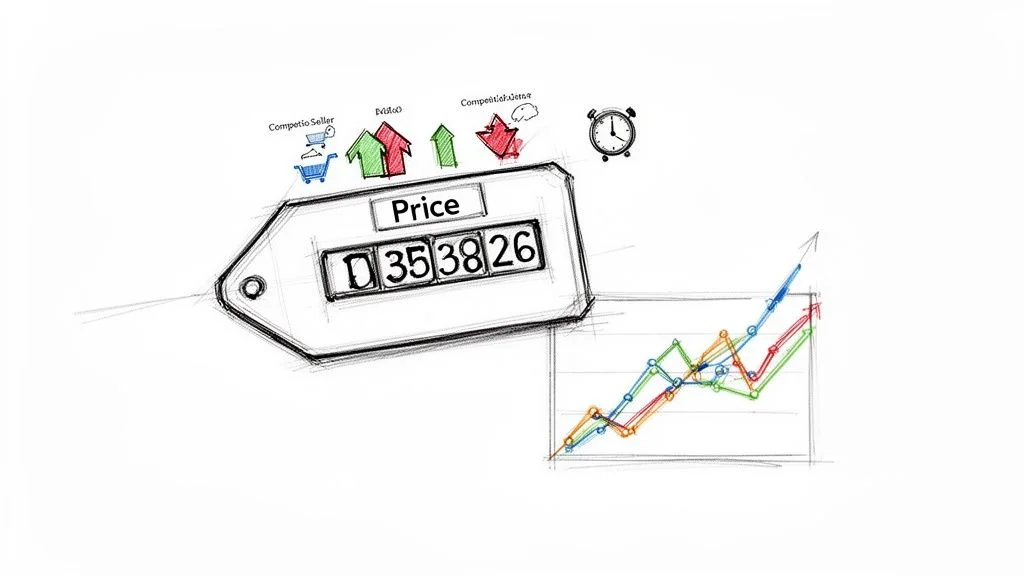
Check Price History Instantly with Browser Extensions
Keepa and CamelCamelCamel embed price history charts directly on Amazon product pages — showing you price trends, all-time lows, and seller price comparisons without leaving the page.
The fastest way to check price history on Amazon is to install a browser extension that overlays the data directly on the product page. Two tools dominate this space:
- Keepa: Data-rich charts with multiple seller price lines, historical sales rank, lightning deal tracking, and a database going back to product launch. Preferred by power users and sellers.
- CamelCamelCamel (The Camelizer): Cleaner, simpler interface showing Amazon, third-party new, and used price lines. Great for buyers wanting a quick check without information overload.
How to Read a Price History Chart
- Orange line (Amazon's price): Tracks the price for items sold directly by Amazon — the most reliable baseline.
- Blue line (3rd-party new): The lowest price from third-party new sellers — often more volatile and where the best deals appear first.
- Green line (Sales Rank): Lower number equals higher sales. Watch for rank improvements right after price drops — this confirms a promotion is driving real sales velocity.
- Flat lines: A price that has not moved in weeks suggests limited competition at that ASIN. Do not expect a better deal soon.
Pattern recognition is the skill here. Does the price always bottom out in November? Does it spike right before Prime Day to inflate the apparent discount? Historical charts answer these questions at a glance.
How to Set Price Drop Alerts on Amazon
Set a target price in Keepa or CamelCamelCamel and receive an email the moment the product hits that price — so you never have to manually check the products you are waiting to buy.
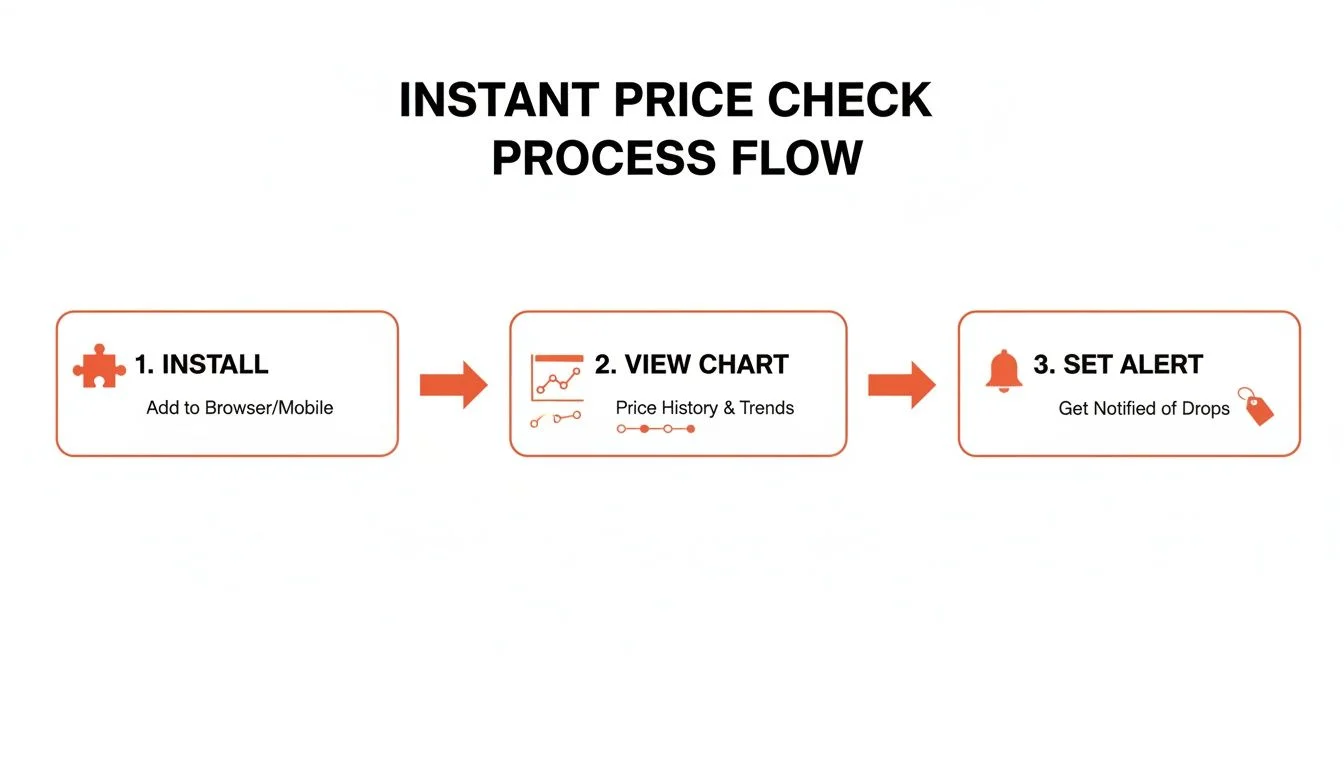
- Open Keepa or CamelCamelCamel on the Amazon product page.
- Find the 'Track Product' or 'Price Watch' section within the chart.
- Set your target price — if a product is currently $150 and historically dropped to $110, set your alert at $115 to catch the next dip with a small buffer.
- Enter your email address and confirm.
- Done — you receive an email the moment the price hits your target.
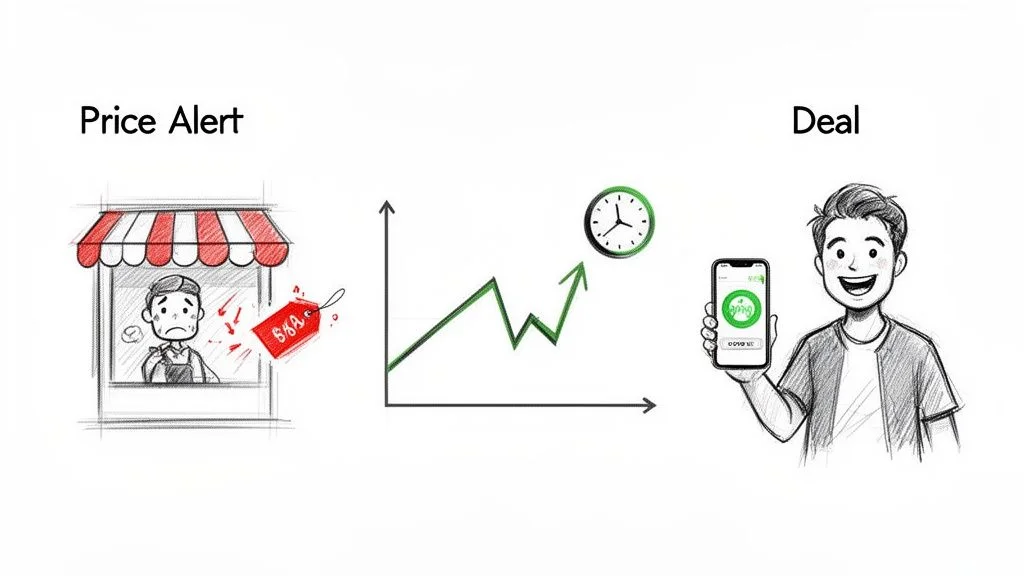
This is how patient buyers consistently pay less than impulsive ones. You are not gambling — you are using historical data to set a precise, informed target and then waiting with zero ongoing effort.
How to Verify Whether an Amazon Sale Is a Real Deal
Amazon frequently applies sale labels to products whose price has been at that level for months. Price history is your truth detector — compare the sale price against the all-time low and the 90-day average before buying.
Not every deal badge on Amazon represents a real discount. A product marked 20% off from $100 to $80 sounds good — until you check the price history and see it sat at $75 for the past three months.
- Check the all-time low: If the current sale price is above the all-time low, you can wait for a better deal.
- Check the 90-day average: If today's price is below the 90-day average, it is genuinely cheaper than usual. If it is above, the sale is manufactured.
- Look at pre-event spikes: Many sellers artificially inflate the list price in the weeks before Prime Day to make the subsequent discount look larger. Price history charts expose this immediately.
Price history is your best defense against buyer's remorse. A sale is only a deal when the price is genuinely lower than its historical norm — not just lower than an artificially inflated list price.
How to Monitor Amazon Prices at Scale with Automation
For sellers tracking an entire category or analysts monitoring hundreds of ASINs, automated scraping tools extract price, BSR, stock, and seller data continuously — building a historical database that reveals competitor strategy at scale.
Browser extensions are ideal for individual product checks. But if you need to track Amazon prices across a competitor's full catalog or an entire category, you need automation. Tools like Clura scrape every listing in a search results page and export a structured dataset in the time it takes to manually check three products.
- Install Clura and navigate to an Amazon category or search results page.
- Open the extension and select the Amazon Product Listings Scraper template.
- Run the scrape — the agent navigates through pages automatically, collecting price, ASIN, BSR, stock, and seller info for every listing.
- Schedule the workflow to run daily or weekly. Data accumulates automatically, building your historical dataset.
- Export to CSV and analyze in Excel or Google Sheets: use AVERAGE() to find price baselines, MIN() to spot the price leader, and line charts to visualize 30-day trends.
| Feature | Manual Tracking | Automated Tools |
|---|---|---|
| Accuracy | Low — data outdated almost immediately | High — real-time data on every run |
| Scale | A handful of products | Thousands of products simultaneously |
| Historical data | Only what you manually record | Builds automatically with every scheduled run |
| Price drop alerts | You have to check yourself | Automatic notifications when targets are hit |
| Time cost | Hours per week | Near zero — runs unattended on a schedule |
For sellers, this level of data is the difference between reactive repricing and proactive market strategy. See our full guide to Amazon price scraping for the complete seller-focused workflow.
Frequently Asked Questions
Is checking Amazon price history legitimate?
Yes, completely. Price history tools collect publicly available data — the same prices any visitor can see on the product page. Keepa, CamelCamelCamel, and automated scrapers are used by millions of buyers and sellers. The key is using well-behaved tools that collect data responsibly without overwhelming Amazon's servers.
How far back does Amazon price history go?
Browser extension databases like Keepa often have data going back to a product's original listing date — sometimes years of history. For automated scraping tools, the clock starts when you begin tracking: your dataset grows with every scheduled run. For new products not yet in Keepa's database, starting your own automated scrape is the only way to build a history.
Can I track prices on international Amazon sites?
Yes. Most browser extensions have a marketplace dropdown to switch between Amazon.ca, Amazon.co.uk, Amazon.de, Amazon.co.jp, and others. For automated scraping, tools with proxy support can route requests through local IP addresses to see correct regional pricing, currency, and shipping details.
How often do Amazon prices actually change?
It varies dramatically by category. Consumer electronics can shift every few minutes during competitive periods. Across the full catalog, the average product changes price every 17 minutes. In stable categories like books or home goods, daily changes are more typical. Price history charts reveal the volatility pattern for any specific product — use that to set your alert frequency.
What is the best tool for tracking Amazon prices?
For shoppers checking individual products: Keepa or CamelCamelCamel browser extensions are free, install in seconds, and show price history charts directly on the product page with built-in price drop alerts. For sellers or analysts monitoring competitors at scale: an automated scraping tool like Clura extracts data across entire categories, schedules recurring runs, and exports structured datasets for analysis.
Conclusion
Price history is the information edge that separates smart buyers from impulsive ones — and winning sellers from reactive ones. Whether you are hunting a deal or monitoring a market, the data exists and the tools to access it are accessible to anyone.
For buyers: install Keepa or CamelCamelCamel today, set alerts for the products you are watching, and stop paying more than the historical price floor. For sellers: schedule a weekly automated scrape of your key categories and let the patterns in that data drive your repricing strategy.
Explore related guides:
- Amazon Price Scraping — the complete guide to automated competitor price monitoring for sellers
- Amazon API Scraping — structured data access for developers building price tracking tools
- eBay Price Tracker — apply the same price tracking strategy to eBay listings
- Automate Data Extraction — build recurring data workflows for any website
Track Amazon Prices Automatically — No Manual Checking Required
Clura schedules price scrapes across any Amazon category and exports clean historical datasets. Find the real deals, track competitor strategy, and never overpay or underprice again.
Add to Chrome — Free →About the Author