
How to Extract Data from a Website: A Practical Guide
Clura Team
Ready to learn how to extract data from a website? It's much easier than you think. The secret lies in modern, AI-powered browser tools that can turn any messy website into a clean, organized spreadsheet — without a single line of code. Mastering this skill gives you a massive competitive advantage.
The web scraping software market was valued at $1.01 billion in 2024 and is projected to more than double to $2.49 billion by 2032. This guide is your roadmap to transforming jumbled online information into clean, actionable data — starting with the simplest, most powerful methods available today.
Extract Data from Any Website in One Click
Clura's AI browser agent scans any webpage and turns it into a clean, structured spreadsheet instantly. No code, no setup — just data.
Add to Chrome — Free →Why Website Data Extraction Is a Game-Changer
Website data extraction lets you generate targeted lead lists, monitor competitor pricing, automate market research, and streamline recruiting — all without wasting hours on manual copy-and-paste.
When you know how to extract data from a website, you unlock a goldmine of information that fuels real growth. Instead of wasting hours manually copying and pasting, you can put entire workflows on autopilot.
- Generate High-Quality Leads — pull targeted lists of contact information from professional networks or online directories.
- Monitor Your Competitors — automatically track competitors' pricing, new products, and marketing campaigns directly from their websites.
- Automate Market Research — gather thousands of customer reviews, news articles, or industry reports to spot trends before anyone else.
- Streamline Recruiting — effortlessly collect candidate profiles from job boards to build a powerhouse hiring pipeline.
Forget the technical jargon. There's a whole world of fantastic website data extraction tools built for sales reps, marketers, and researchers. These no-code solutions turn what used to be a complex chore into a simple, one-click process.
The ability to quickly extract web data levels the playing field, allowing smaller teams to access the same quality of market intelligence as large corporations.
Choosing Your Path: Manual vs. Automated Data Extraction
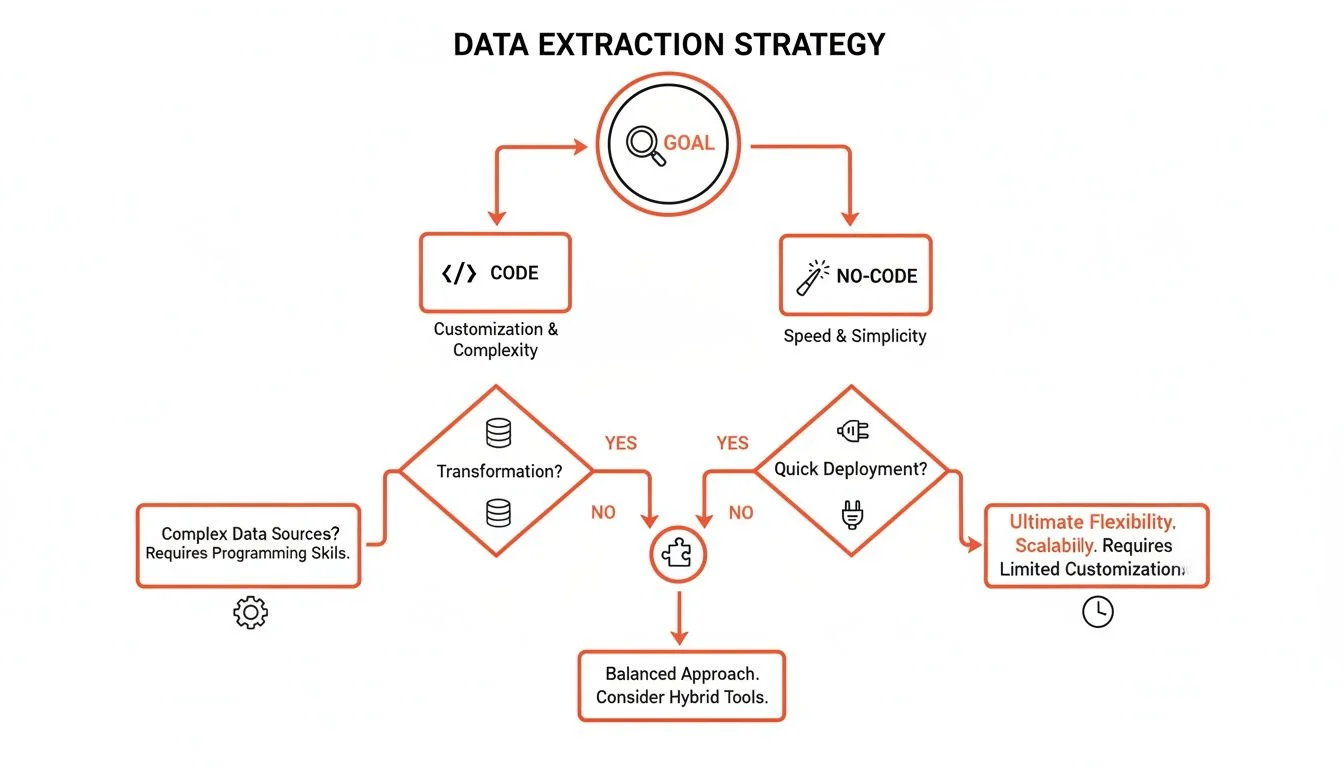
Manual copy-paste works for tiny one-off tasks (under 20 records), but automation is the only scalable choice for large datasets, recurring workflows, or complex multi-page sites.
| Method | Best For | Speed | Technical Skill | Scalability |
|---|---|---|---|---|
| Manual (Copy/Paste) | Tiny, one-off tasks (< 20 records) | Very Slow | None | None |
| No-Code Tools | Small to large recurring projects | Very Fast | Low | High |
| Custom Scripts | Highly complex, enterprise-scale projects | Fastest | High (Coding Required) | Very High |
The real win with automation isn't just speed — it's about getting your time back. It frees you up to analyze the data and make smart decisions instead of being stuck collecting it.
AI-Powered Browser Tools: The Easiest Way to Extract Web Data
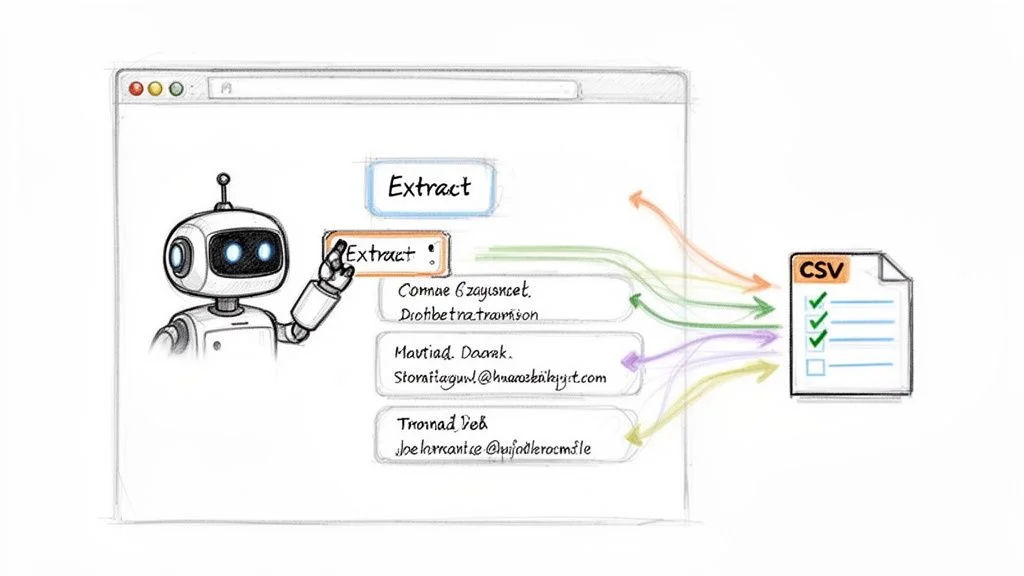
AI-powered browser extensions let you point and click on any webpage element, and the tool automatically extracts matching data across the entire page into a clean, exportable spreadsheet.
Step 1: Install Your AI Data Assistant
- Find an extension like Clura on the Chrome Web Store.
- Click 'Add to Chrome' — setup takes seconds.
- Pin it to your toolbar for quick access.
Step 2: Run a One-Click Data Extraction Workflow
Navigate to a LinkedIn search results page filled with potential leads. Activate your AI browser extension — it instantly recognizes the repeating pattern (each profile has a name, job title, and company). With a single click, the AI scans the page, extracts the fields you care about for every person, and organizes it into a clean table ready to export as CSV. For more tool options, our guide on the best data scraping Chrome extension gives you a great rundown.
Step 3: Apply This to Other Use Cases
- E-commerce Price Monitoring — go to an Amazon or Shopify page and the AI grabs product names, prices, and ratings in seconds.
- Content Aggregation — on a news site, instantly scrape all headlines, authors, and publication dates to track trends.
- Recruiting Workflows — pull candidate profiles from job boards including names, roles, and skills to build a powerful talent pipeline.
Turn Any Website into a Spreadsheet
Clura's AI browser agent handles extraction, cleaning, and export — all in one click. Start your first project for free.
Add to Chrome — Free →For More Control: A Quick Look at Simple Scripts
When no-code tools can't handle an edge case — like a non-standard login flow or unusual pagination — Python libraries like BeautifulSoup (for static HTML) and Puppeteer (for dynamic JavaScript sites) give you maximum control.
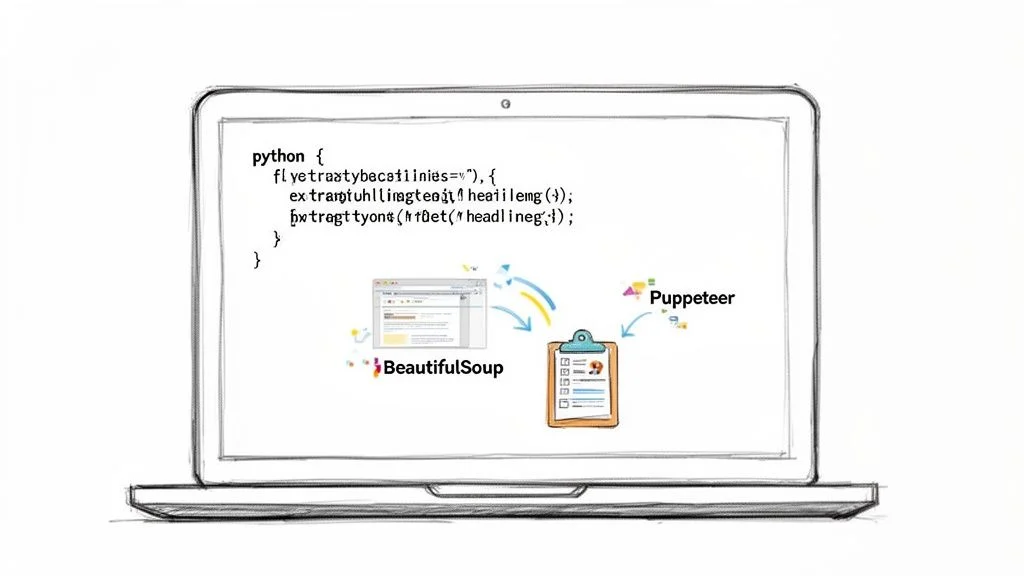
BeautifulSoup is brilliant at parsing static HTML — perfect for grabbing headlines, product descriptions, or any visible text on a webpage. Puppeteer is like a digital robot that can click buttons, fill out forms, and wait for new content to appear before grabbing it, making it ideal for dynamic JavaScript-heavy sites.
While a tool like Clura handles 99% of your data needs with its AI, a custom script becomes the hero for that last 1% — cases like solving a simple CAPTCHA or navigating a non-standard menu system before pulling data.
Extracting Data The Right Way: Ethics and Best Practices
Always check the site's Terms of Service and robots.txt file before scraping. Limit your request rate, focus on public information, identify your bot, and scrape during off-peak hours to be a responsible digital citizen.
With great data power comes great responsibility. Always find the website's Terms of Service and check website.com/robots.txt before extracting any data. Respecting these guidelines is critical for staying on the right side of data privacy regulations. For a deep dive, read our complete guide to web scraping legality.
- Limit Your Request Rate — add a polite delay of a few seconds between requests to mimic how a real person browses.
- Focus on Public Information — stick to data that is publicly accessible; scraping behind a login almost always violates the ToS.
- Identify Your Bot — set a clear User-Agent in your scraper's requests so site owners know who you are.
- Scrape During Off-Peak Hours — run large scrapes late at night or during the site's quietest hours to minimize your impact.
Turning Raw Website Data Into Actionable Insights
Raw scraped data needs cleaning before it's useful: remove duplicates, standardize formats, handle missing values, and split columns — then export as CSV to plug into your CRM, marketing tools, or analysis dashboards.
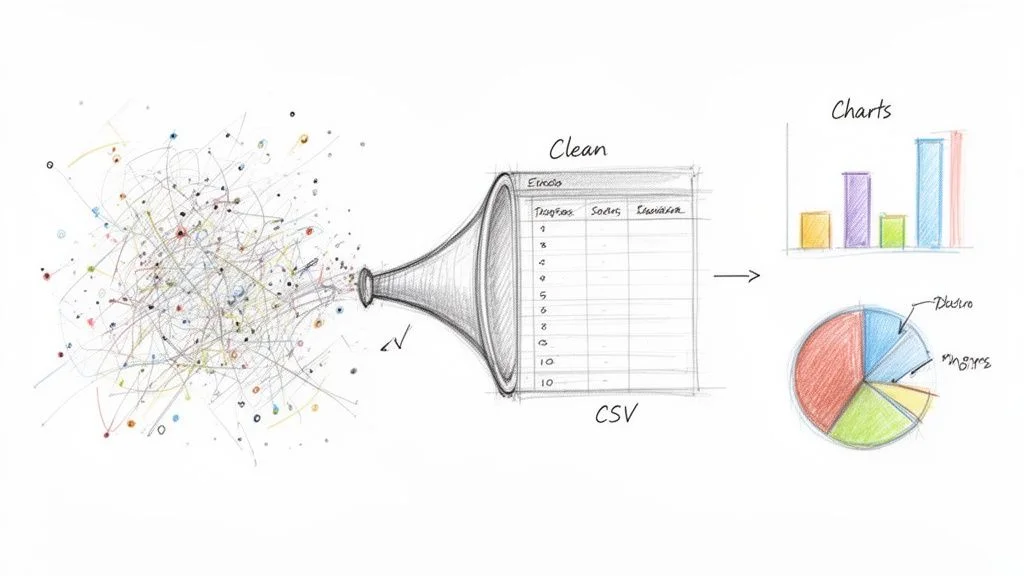
- Remove Duplicates — a quick filter in your spreadsheet removes duplicate records in seconds.
- Standardize Formats — ensure all phone numbers, names, and dates use a consistent format.
- Handle Missing Values — remove rows with critical missing data or fill blanks with 'N/A'.
- Split and Merge Columns — split a full name into 'First Name' and 'Last Name' for better personalization.
Once your data is clean, export it as a CSV file — the universal format that every tool from HubSpot and Salesforce to email marketing platforms can import flawlessly. Around 65% of companies are already using data extraction to get a competitive edge.
Frequently Asked Questions
Is extracting data from a website legal?
Generally, yes — extracting publicly available data is legal. But you have to play by the rules. Always check the website's Terms of Service and their robots.txt file. If a business puts information out there for the public to see, you can usually collect it. Just avoid scraping copyrighted material, personal data, or anything behind a login if their terms forbid it.
What about websites that require a login?
Technically you can write scripts to get data from behind a login, but it's often a violation of the website's Terms of Service, which could get your account suspended or banned. For professional work, stick to public data — it's safer, more reliable, and keeps you out of trouble.
I'm a complete beginner. Where should I start?
The easiest way to begin is with a no-code AI browser extension. These tools do all the heavy lifting for you — you just go to a website, click a button, and the AI figures out what data is on the page and organizes it into a spreadsheet. It's a point-and-click solution for anyone who doesn't want to get bogged down in code. You can start getting usable data in minutes.
How do I handle websites that use infinite scroll or pagination?
AI-powered browser tools handle pagination automatically. You simply show the agent where the 'Next Page' button is, and it clicks through every page until the job is done. For infinite scroll, the agent mimics real user behavior by scrolling down naturally, ensuring you capture all content — not just the first few results.
Conclusion
Learning how to extract data from a website is no longer a skill reserved for developers. AI-powered no-code tools have removed the technical barrier, making it possible for anyone to gather web data to find opportunities and work smarter.
Start with a no-code browser extension for your first project. Identify a specific data need — a competitor's product prices, a list of prospects from a directory, job postings in your space — run your first extraction, clean the output, and put it to work in your existing tools.
Explore related guides:
- Best Website Data Extraction Tools —
- Data Scraping Chrome Extension Guide —
- Web Scraping Legality Guide —
Tired of the Copy-Paste Grind?
Clura empowers you to pull clean, ready-to-use data from any website with just one click. Check out our prebuilt templates and start your first project for free.
Add to Chrome — Free →About the Author