
How to Scrape Data Without Code: A Practical Guide
Clura Team
Learning how to scrape data is easier than you think, especially with the right tools. The process is simple: pick a website, tell an AI-powered browser agent what to grab — like names, prices, or emails — and export it all into a neat CSV file. Forget wrestling with complex code; modern tools have turned this into a simple point-and-click workflow.
The global web scraping market is booming, valued at over $1 billion and expected to double by 2030. Businesses now rely on scraped data for everything from monitoring competitors to generating fresh sales leads. This guide is your complete roadmap to mastering no-code web scraping — from planning your first project to exporting a perfect CSV.
Transform Any Website into a Spreadsheet — No Code
Clura's AI browser agent lets you point and click on any data you want, then exports it instantly as a clean CSV. No setup, no programming required.
Add to Chrome — Free →Unlock the Power of Web Data in Minutes
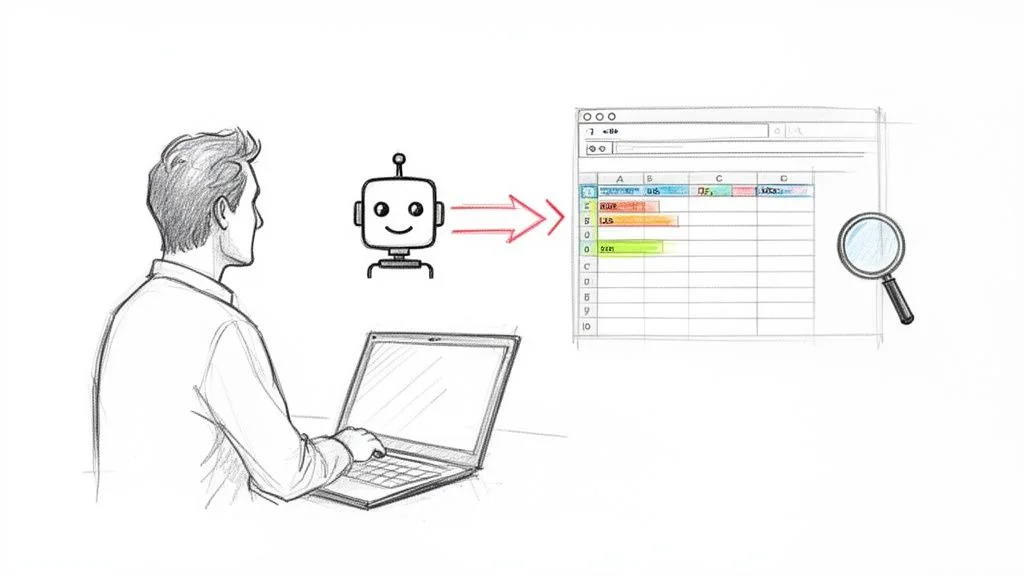
Modern AI-powered browser tools let non-technical professionals build automated data workflows in minutes — turning raw web content into organized, actionable intelligence for sales, marketing, e-commerce, and recruiting.
- Sales teams build targeted lead lists by pulling contact details from LinkedIn or industry directories.
- E-commerce brands monitor competitor prices on Amazon and Shopify to stay competitive.
- Marketers scrape customer reviews from G2 or Capterra to understand market sentiment.
- Recruiters compile profiles from job boards to build a pipeline of top talent.
If you're new to this, checking out a Beginner Guide To Web Scraping can help you grasp the basics before jumping in.
How to Plan Your First Data Scraping Project
A successful scraping project starts with a clear goal, then identifies the best source website, and finally maps out the exact data columns needed — avoiding over-collection that creates noise.
Step 1: Define Your Goal
Start with one simple question: What problem am I trying to solve with this data? Are you trying to build a lead list (contact info for specific decision-makers), monitor competitors (product names, prices, and stock levels), or conduct market research (job postings to analyze hiring trends)? Clear direction is the secret to scraping like a pro.
Step 2: Identify Your Data Sources
For a sales lead example, great sources include LinkedIn Sales Navigator for professional titles and company details, Crunchbase for company profiles and funding status, and niche job boards or industry communities. Always prioritize quality over quantity.
Step 3: Pinpoint the Exact Data You Need
Map out the individual columns you want in your final spreadsheet. For lead generation, the essential fields are: Full Name, Job Title, Company Name, Company Website, and LinkedIn Profile URL. By defining these ahead of time, you give your AI scraping agent a perfect blueprint — which means a clean, organized, and immediately useful dataset.
Let an AI Scraping Agent Do the Work for You
With an AI browser extension, scraping data is as easy as navigating to a page, clicking on the first example of each data field, and watching the AI automatically extract matching data across the entire page.
A Step-by-Step Guide to Your First Scrape
- Navigate and Activate — go to the product category page you want to scrape. Click the extension icon in your browser.
- Point and Click — click on the first product's name. The AI instantly understands the pattern and highlights the names of all other products on the page.
- Build Your Columns — do the same for each piece of data: price, star rating, or product link. See a live preview of your spreadsheet taking shape.
How to Handle Multiple Pages and Dynamic Content
What happens when a site has thousands of products spread across hundreds of pages? Simply show the agent where the 'Next Page' button is and it will automatically click through every page, scraping each one until the job is done. For 'infinite scroll' pages, an intelligent agent mimics real user behavior, ensuring you capture everything. For more on choosing the right tool, check out our guide to the Chrome extension data scraper.
Scrape Any Website in Minutes — No Code
With Clura, just point and click to tell the AI what you want. It handles the rest and exports your data as a clean, ready-to-use CSV.
Add to Chrome — Free →How to Get Around Common Scraping Roadblocks
AI-powered browser agents overcome common scraping defenses by operating inside a real browser, mimicking human behavior with natural click speeds, cookie handling, and session management that makes them nearly invisible to detection systems.
Old-school scraping methods fail 70–80% of the time against modern websites. AI-driven browser automation is a game-changer because these agents work inside a real browser, just like you. They handle cookies and sessions automatically, click and scroll at a human speed, and move between pages naturally — making them far more reliable than traditional scrapers.
How to Handle Logins and Rate Limits
Need data from behind a login? Just log in to the site as you normally would. The AI agent will operate within your logged-in session, allowing it to see and scrape everything you have access to. You might also encounter rate limits, where a site temporarily blocks you for making too many requests too quickly. A smart AI agent automatically scrapes at a reasonable, human-like pace to avoid this.
How to Scrape Data Ethically
Always check a website's Terms of Service and robots.txt file to understand their rules for bots. Stick to publicly available information and avoid personal data. For a deeper look, read our complete guide on the legality of web scraping.
How to Turn Raw Data into Actionable Insights
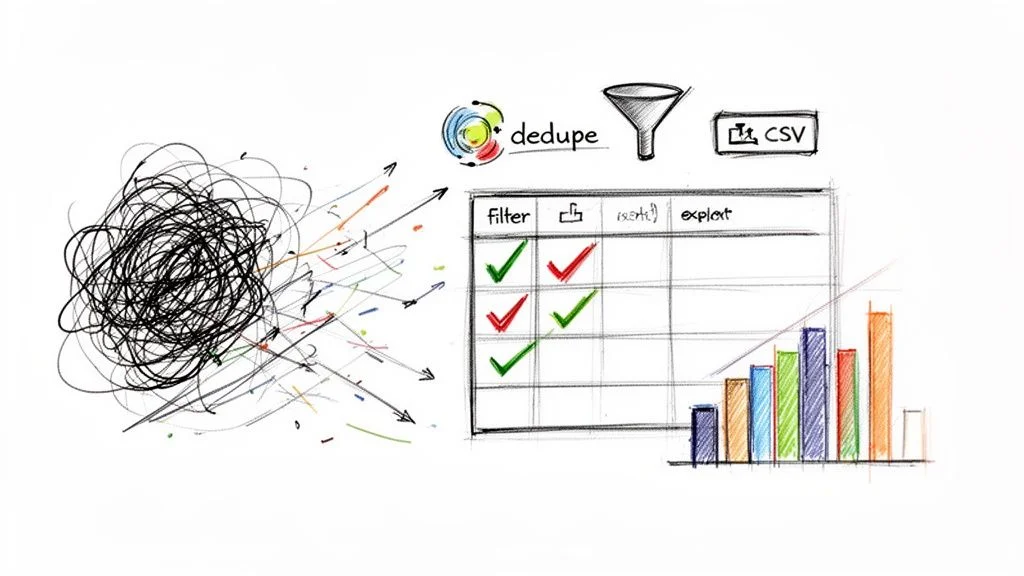
Raw scraped data needs to be cleaned — remove duplicates, standardize formats, fix typos — then exported as a CSV and plugged into your CRM, outreach tool, or analysis dashboard.
Step 1: Clean and Validate Your Data
- Remove Duplicates — ensure every lead or product entry is unique.
- Standardize Formats — make sure all phone numbers or dates follow the same pattern.
- Fix Typos or Casing — convert messy entries like 'acme inc.' to a professional 'Acme Inc.'
- Enrich Records — fill in gaps by adding a company's industry or employee count from another source.
Step 2: Export to CSV and Put Your Data to Work
With a single click, your AI agent packages all the structured data into a universally compatible CSV file. Every spreadsheet program, CRM, and data analysis tool — from Google Sheets and Microsoft Excel to Salesforce — can open a CSV file flawlessly. A sales team's exported lead list becomes a pristine file ready to upload into an outreach tool. An e-commerce brand's CSV contains product name, price, and rating, perfectly formatted for competitive analysis.
How to Put Your Data Collection on Autopilot
Build a library of reusable scraping 'recipes' — weekly price monitors, daily social media scrapers, continuous lead generation agents — that run on a schedule and deliver fresh data automatically.
The real breakthrough is building a data engine that works for you 24/7. Think about the data you check repeatedly — those are your best opportunities for automation. Browser-based AI agents are saving teams 80–90% of the time they used to spend on manual data work, and AI is slashing scraper breakage from a frustrating 60% down to under 10%.
- Weekly Price Monitoring — an agent scans your top competitors' product pages every Friday and sends a pricing report.
- Daily Social Media Monitoring — a scraper runs every morning to catch new trends and brand mentions.
- Continuous Lead Generation — a scraper watches a niche job board and alerts you whenever a target company posts a new role.
Frequently Asked Questions
Is web scraping legal?
The short answer is yes — scraping publicly available data is generally legal. If you can see it on a website without logging in, a scraper can 'see' it too. The key is to be an ethical scraper. Always check a site's Terms of Service and robots.txt file. As a rule, avoid personal data, copyrighted material, or anything behind a login wall unless you have clear permission.
How do I scrape data from behind a login?
Modern browser-based scrapers make this easy because they work with your existing browser session. Simply log into a site like LinkedIn or a private forum as you normally would. Once you're in, the scraping tool can see and interact with everything you can. Just be sure your actions align with that site's terms for logged-in users.
How do I avoid getting blocked while scraping?
The best way is to not act like a robot. Today's AI-powered tools operate inside a real browser, mimicking how a person would click, scroll, and navigate a site. This 'human' behavior makes them difficult for websites to detect. They handle technical details like cookies and sessions for you, allowing you to fly under the radar.
Do I need to know how to code to scrape data?
Not anymore. The new wave of scraping tools is designed for everyone, not just developers. With a modern, point-and-click interface, you just show the AI what you want and it figures out the rest — building a powerful scraping workflow behind the scenes. No code required.
Conclusion
Web scraping without code is no longer a dream — it's the everyday reality for thousands of sales, marketing, and research professionals. AI-powered browser tools have made the process accessible to anyone willing to spend five minutes setting up a workflow.
Start with a clear goal, pick a target source, point-and-click your first extraction, clean the output, and put it to work. Then build a library of automated workflows that run on a schedule and deliver fresh intelligence to your team around the clock.
Explore related guides:
- How to Extract Data from a Website —
- Web Scraping Legality Guide —
- Chrome Extension Data Scraper Guide —
Ready to Ditch the Copy-and-Paste Routine?
With Clura, you can transform any website into an organized spreadsheet in minutes. Explore prebuilt templates to get started right away.
Add to Chrome — Free →About the Author